
Productivity Tools
Microsoft Office add-ins to make every document work better, faster, and on-brand.
Our trusted customers





Supercharge your Microsoft Office applications
Faster documents. Stronger results.
Omnidocs Productivity Tools are Microsoft Office add-ins that complement Omnidocs’ core software and template and design services. They simplify the way teams and individuals work with Word, PowerPoint, and Excel, helping organizations save time, standardize branding, and deliver professional outputs with ease.

Save time and reduce manual work
Each ribbon add-in offers quick-access tools within your Microsoft applications for formatting, cleanup, and layout free your teams from repetitive tasks and speed up document finalization.

Ensure brand consistency across every file
From charts and tables to full reports, apply corporate styles instantly so all documents align with brand standards.

Deliver professional, compliant outputs
Together with Omnidocs’ software and template services, the tools help ensure accuracy, structure, and confidence in every deliverable.
Integrate seamlessly with your Office applications
Productivity ribbons designed for your needs
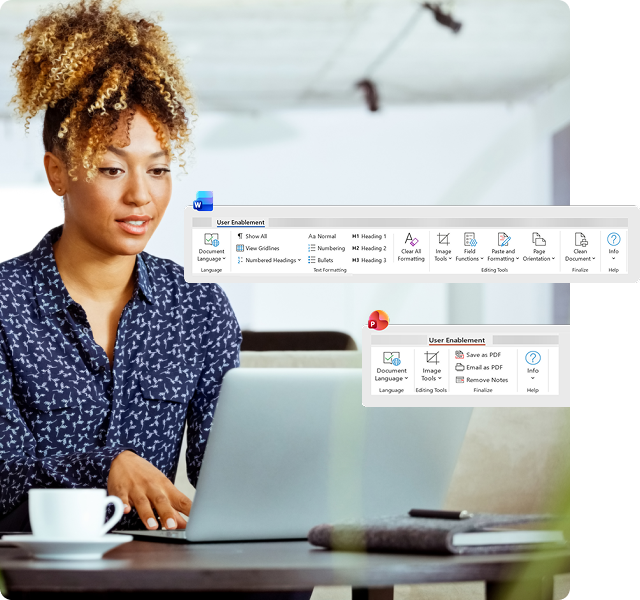
User Enablement ribbon


Work smarter in Word and PowerPoint.
Make creating and finalizing documents easier, faster, and more professional.
Who it’s for
Busy professionals and teams who regularly create reports, proposals, and presentations and want consistent branding without manual effort.
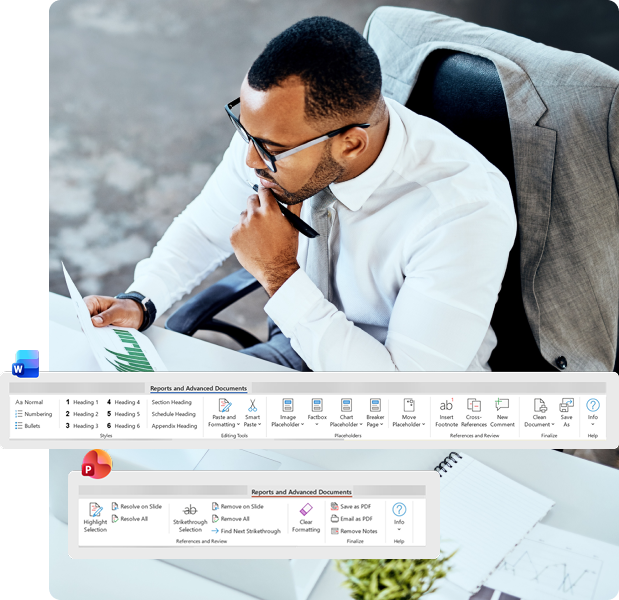
Reports and Advanced Documents ribbon
Create professional, complex reports with ease.
Handle structured reports, research papers, and detailed documentation with confidence.
Who it’s for
Teams producing detailed reports or advanced documents that require standardized layouts, compliance, and collaboration.
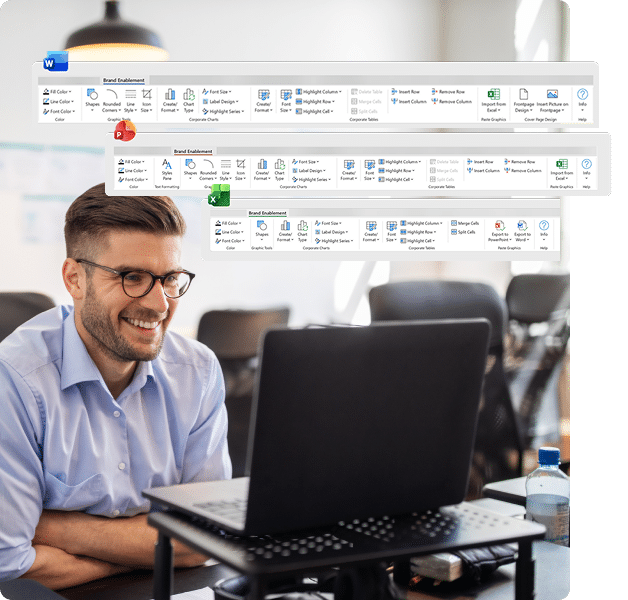
Brand Enablement ribbon

Keep every document and presentation on brand.
Apply corporate styles and layouts to charts, tables, and visuals in seconds.
Who it’s for
Organizations that need consistent branding across reports, slides, and spreadsheets and want to save time on manual adjustments.
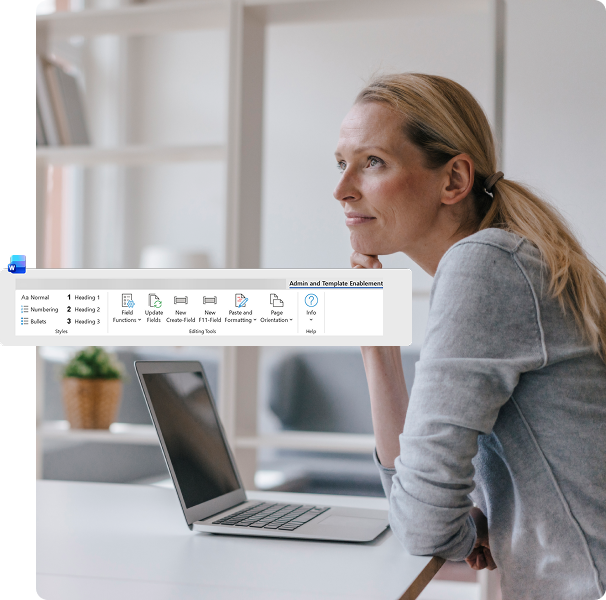
Admin and Template Enablement ribbon
Bring structure and control to Word documents.
Manage templates, fields, and formatting across the organization efficiently.
Who it’s for
Administrators, template managers, and experienced users who need to update templates, enforce consistency, and reduce manual formatting errors.

“The software is very user-friendly. You know it already, because it’s driven by Word and Excel, so people are familiar with it.”

Boost your workflows with Productivity Tools
Learn more about the tools from our experts who will be able to advise you on the best Productivity ribbon for your specific use case to help your business achieve its goals
