
Productivity Tools: Reports and Advanced Documents Ribbon
Turn complex reporting into a simple, professional process.
Create professional reports with ease.
The Reports & Advanced Documents ribbon helps users build structured, professional reports and complex documents quickly. From predefined styles and placeholders to formatting clean-up and review tools, it gives teams everything needed to manage demanding reporting tasks confidently.

Professional reports, faster
Predefined styles, placeholders, and references keep documents clean and consistent.

Simplify complex formatting
Insert footnotes, cross-references, charts, and factboxes in seconds.

Seamless collaboration
Built-in commenting, reviewing, and finalization tools streamline teamwork.
Key capabilities
Ribbon overview
Organizations can manage complex reporting structures, like compliance reports, research papers, or detailed analyses, without repetitive formatting. Ensure consistency and clarity across every version, saving hours of manual adjustments.
-
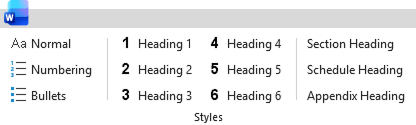
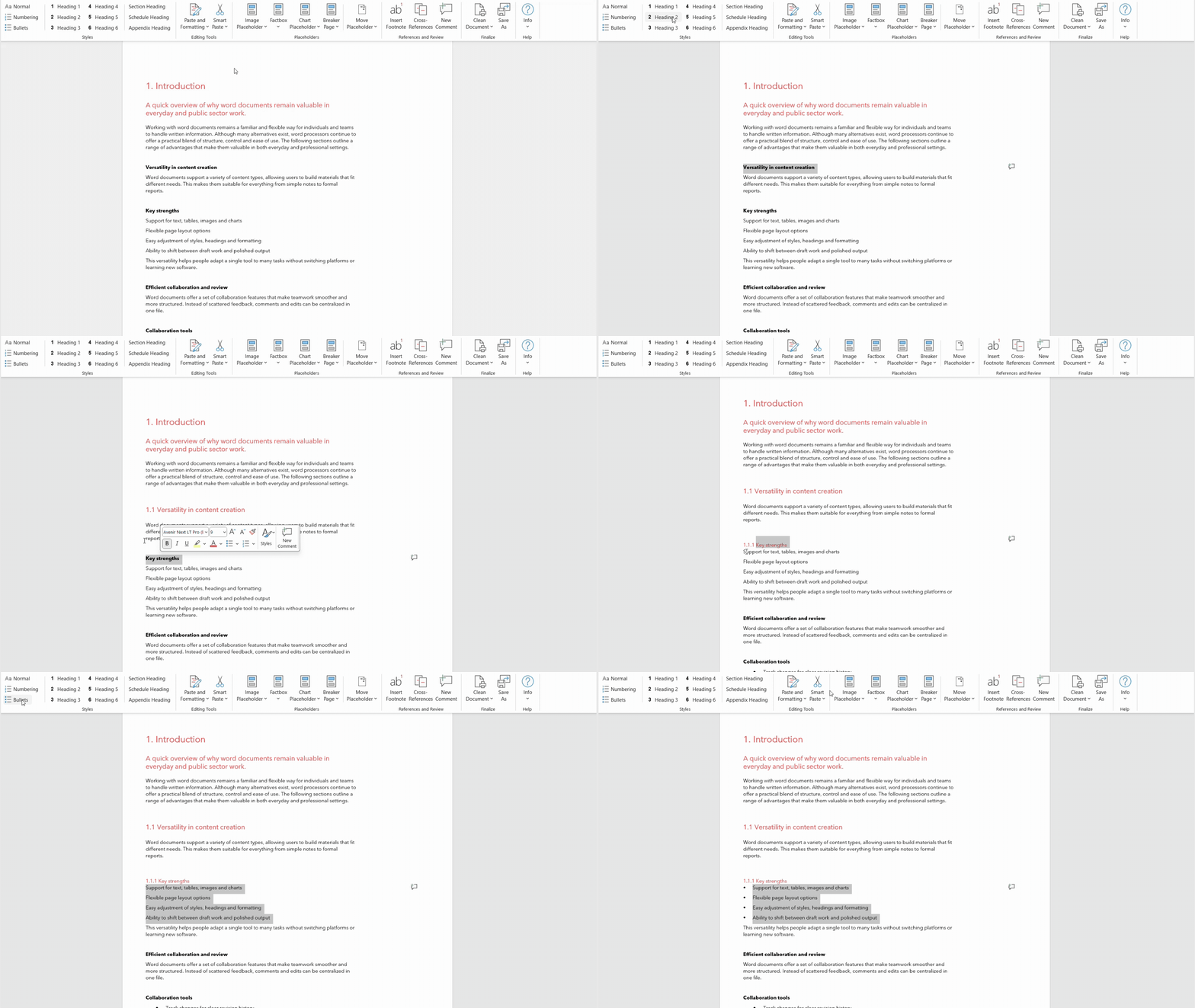
Styles group
Clear structure every time
Build well-structured documents in Microsoft Word without the frustration of manual formatting. The styles group gives you ready-to-use formatting that instantly applies the right heading levels and visual hierarchy.
- Apply the correct heading structure in seconds.
- Keep long documents visually clear and organized.
- Make multi-author documents look like they were created by one team, or cross-departmental content unified in the same format.
- Includes custom styles for Section Heading, Schedule Heading, Appendix Heading, or other styles as preferred.
-
-
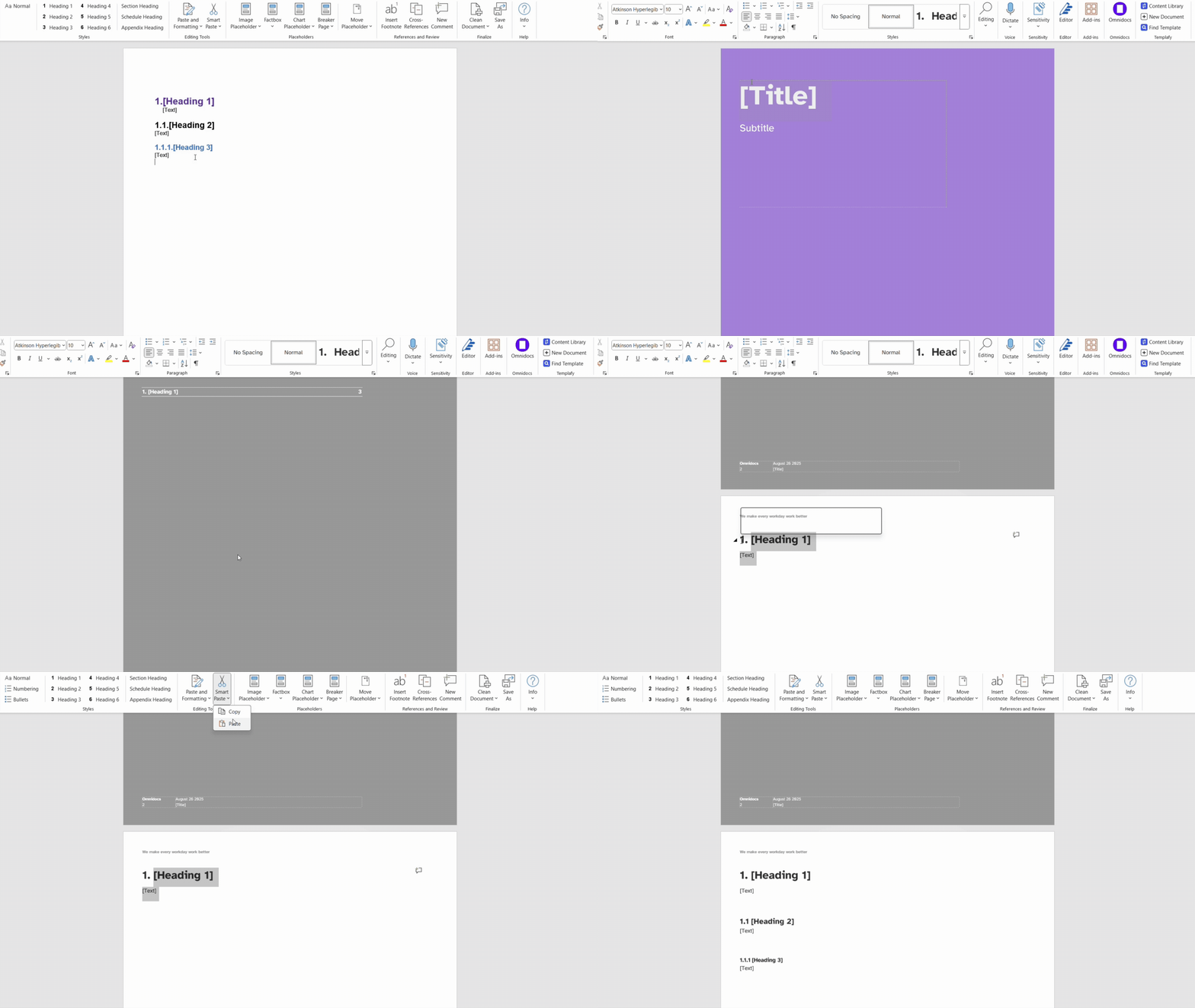
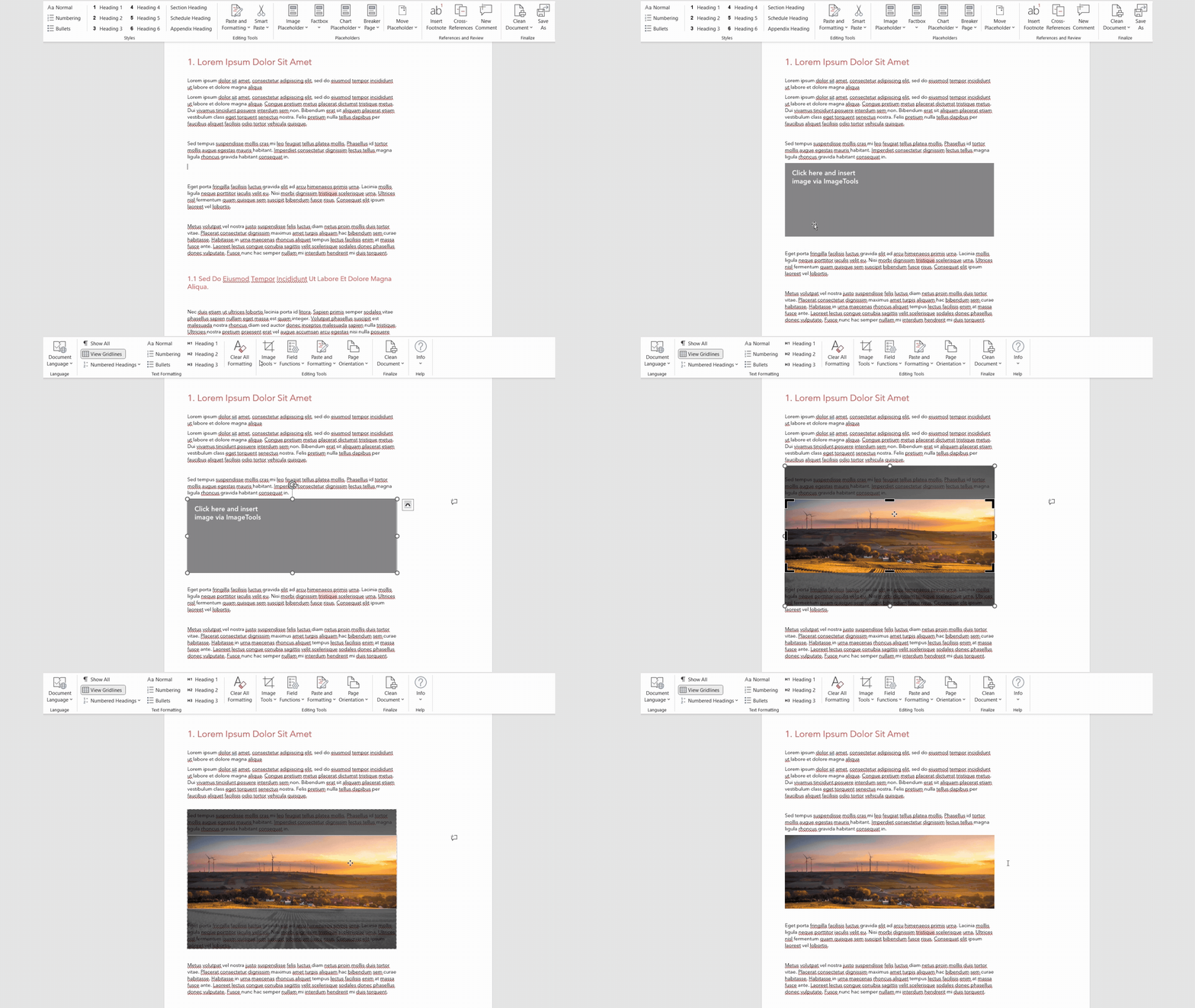
Editing tools
Fast, clean content editing
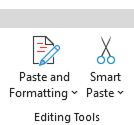
Streamline the document creation process when working with content from multiple sources, working with visuals across documents or updating older documents.
- Paste content without unwanted formatting
- Remove inconsistent fonts or spacing quickly
- Convert legacy text into refreshed brand styles
- Update documents from old templates to new ones
-
-
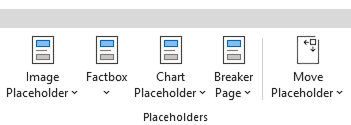
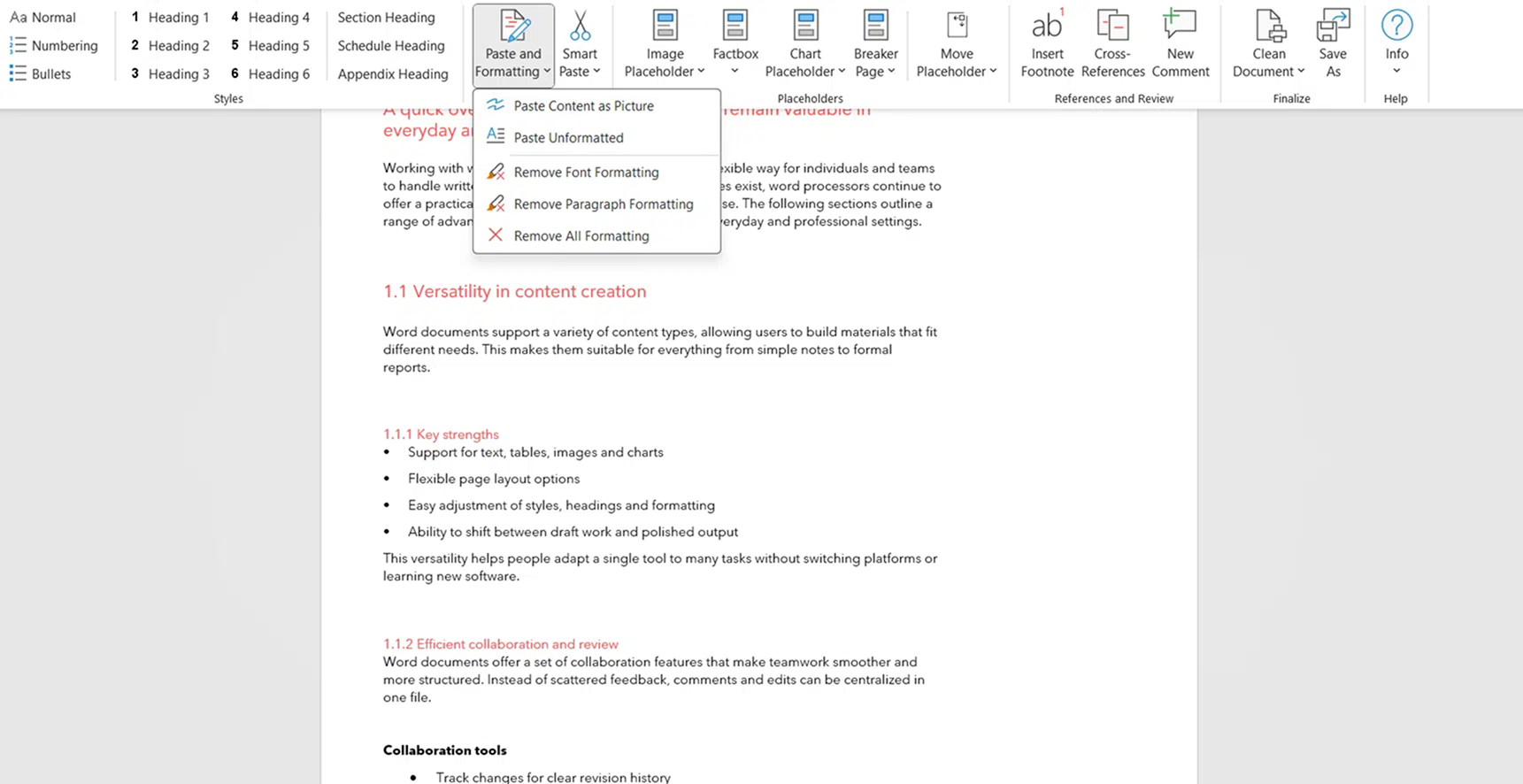
Placeholder group
A unified visual identity
across every report.Build visually consistent and attractive reports with design elements that slot perfectly into your Word layout.
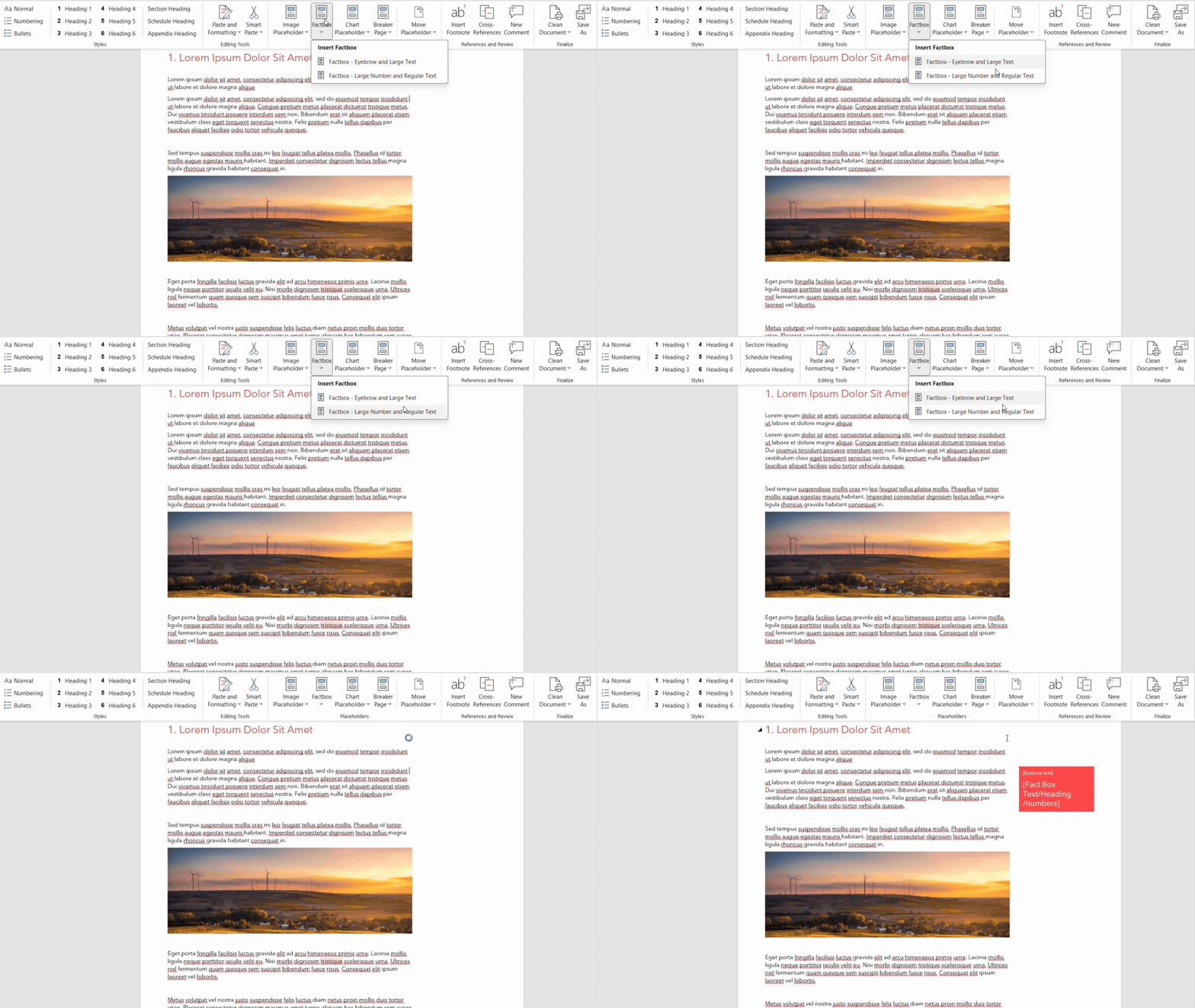
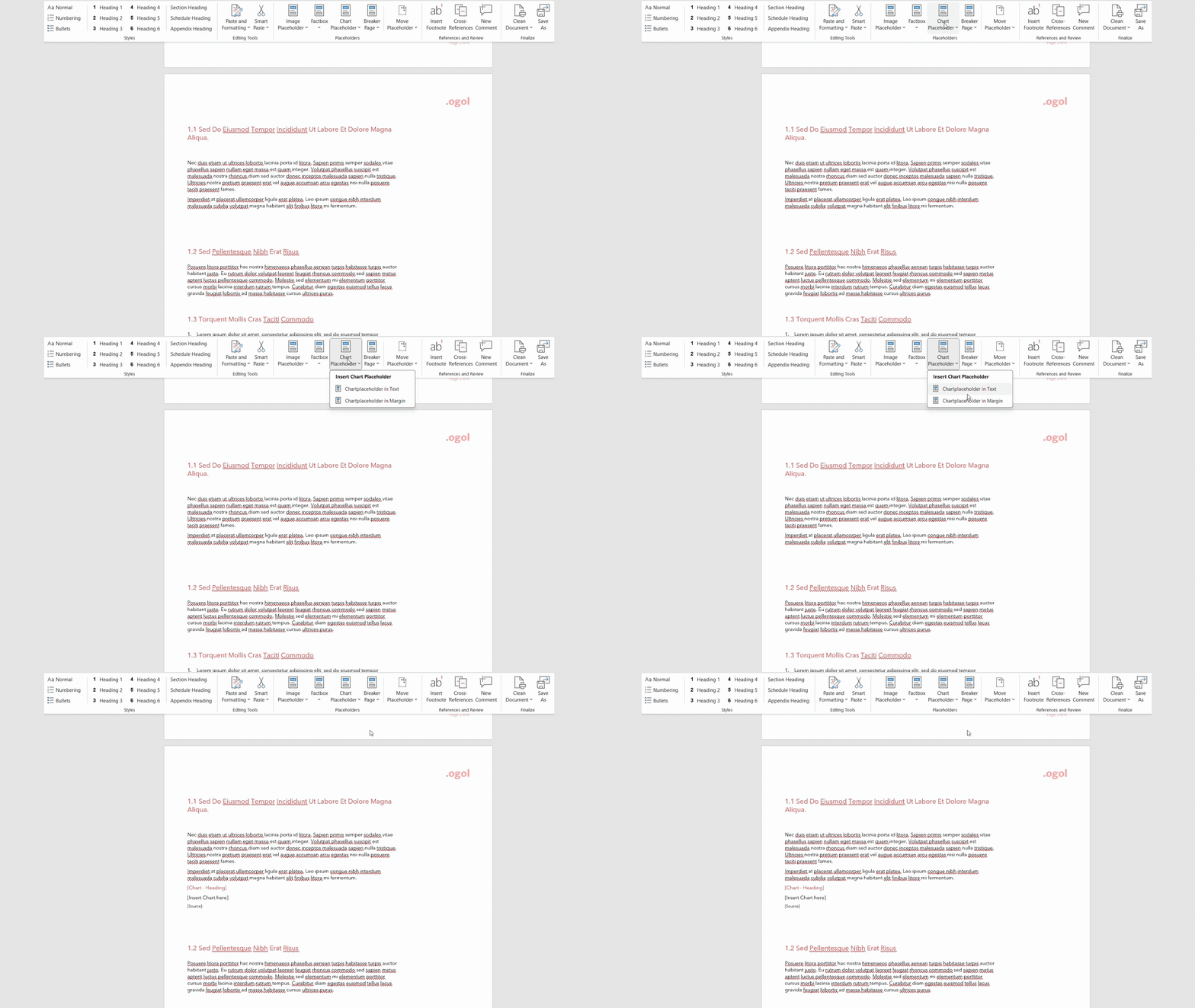
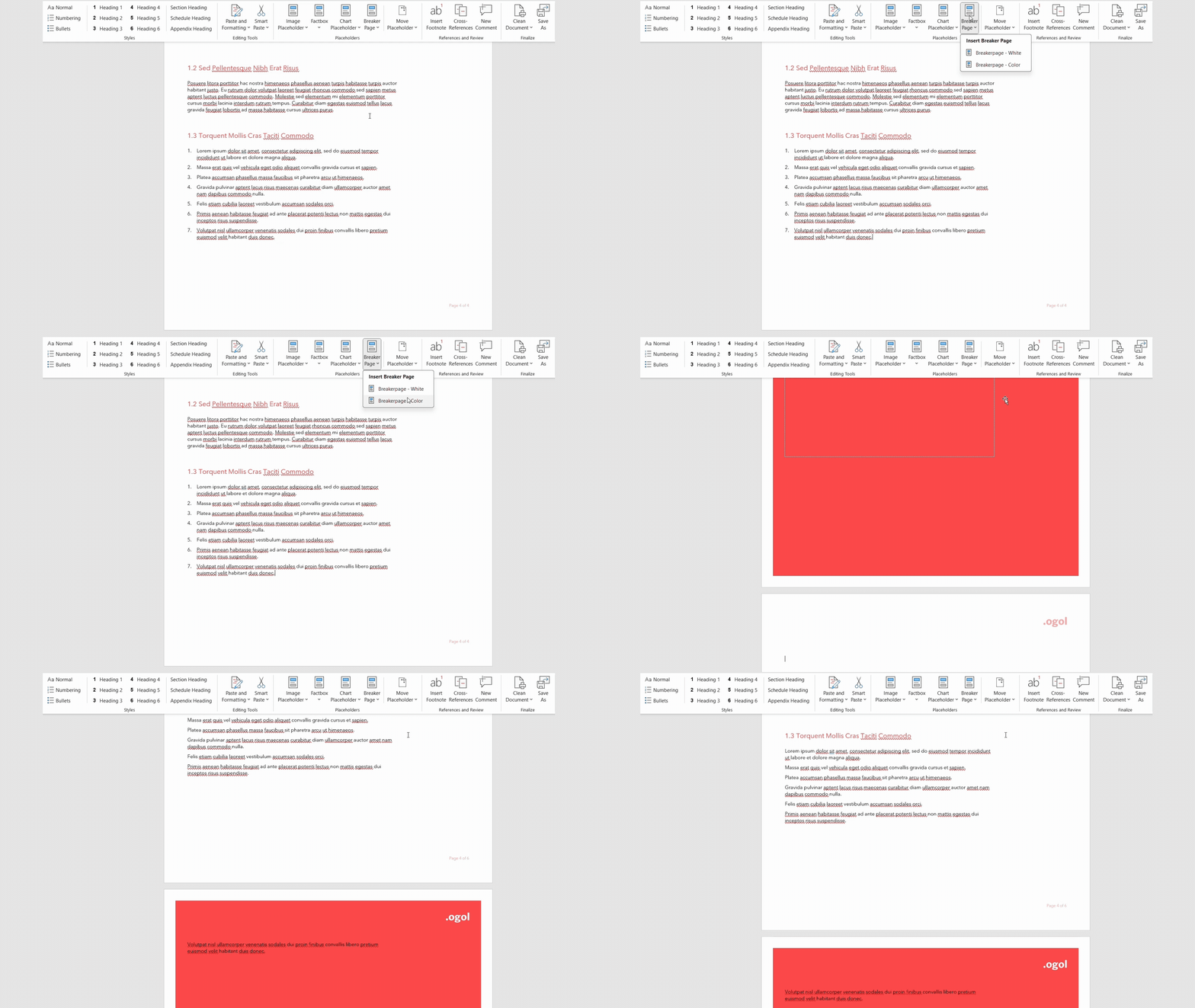
- Insert branded placeholders for charts, images, and factboxes
- Add structured section breakers
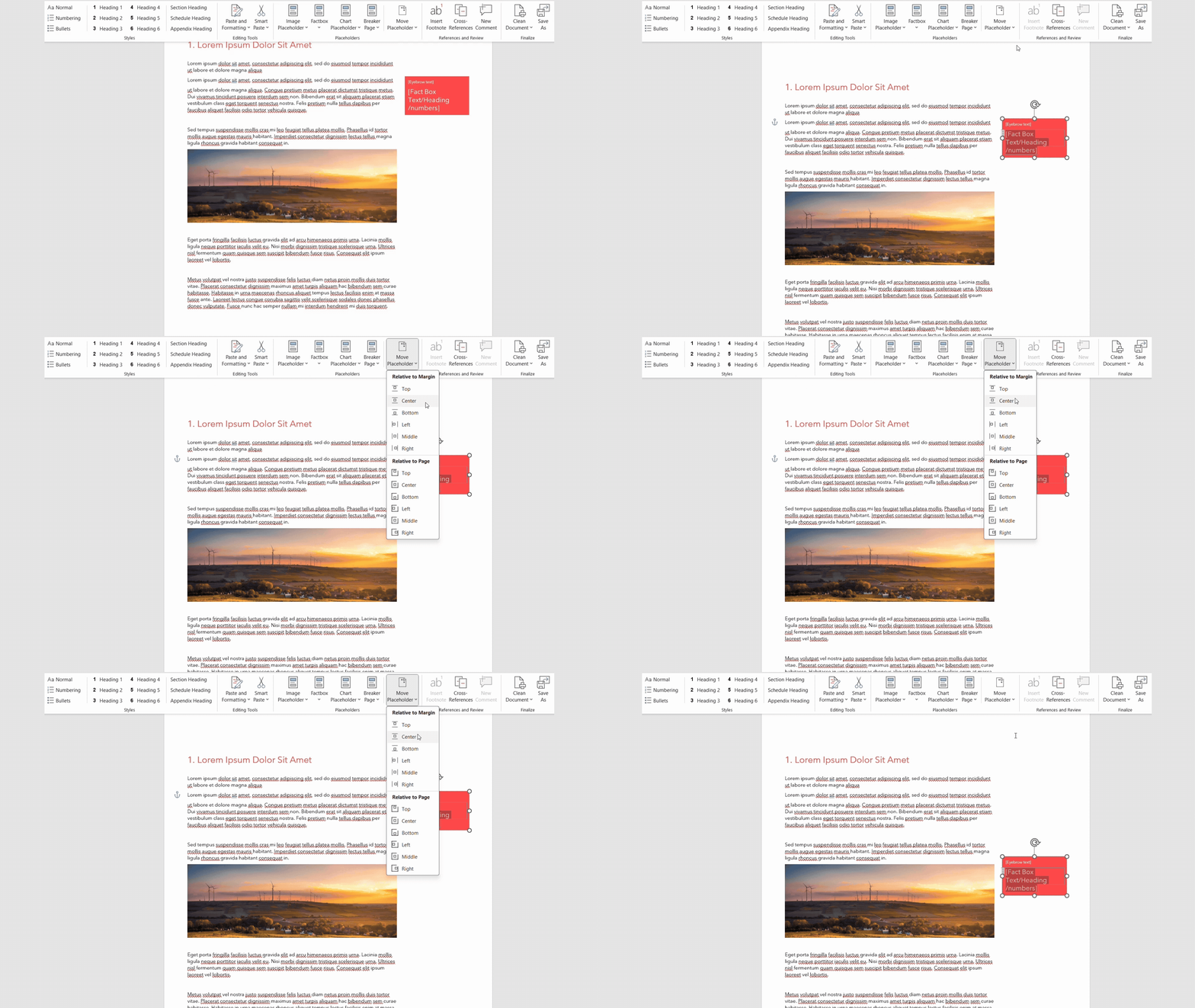
- Position elements precisely and consistently in line with the document structure
-
-
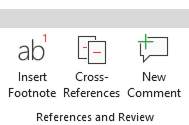
References and Review group
Faster review cycles, fewer errors,
and ready-to-share Word documents.Quick access to Word features that make collaboration easier and streamline final reviews in your document.
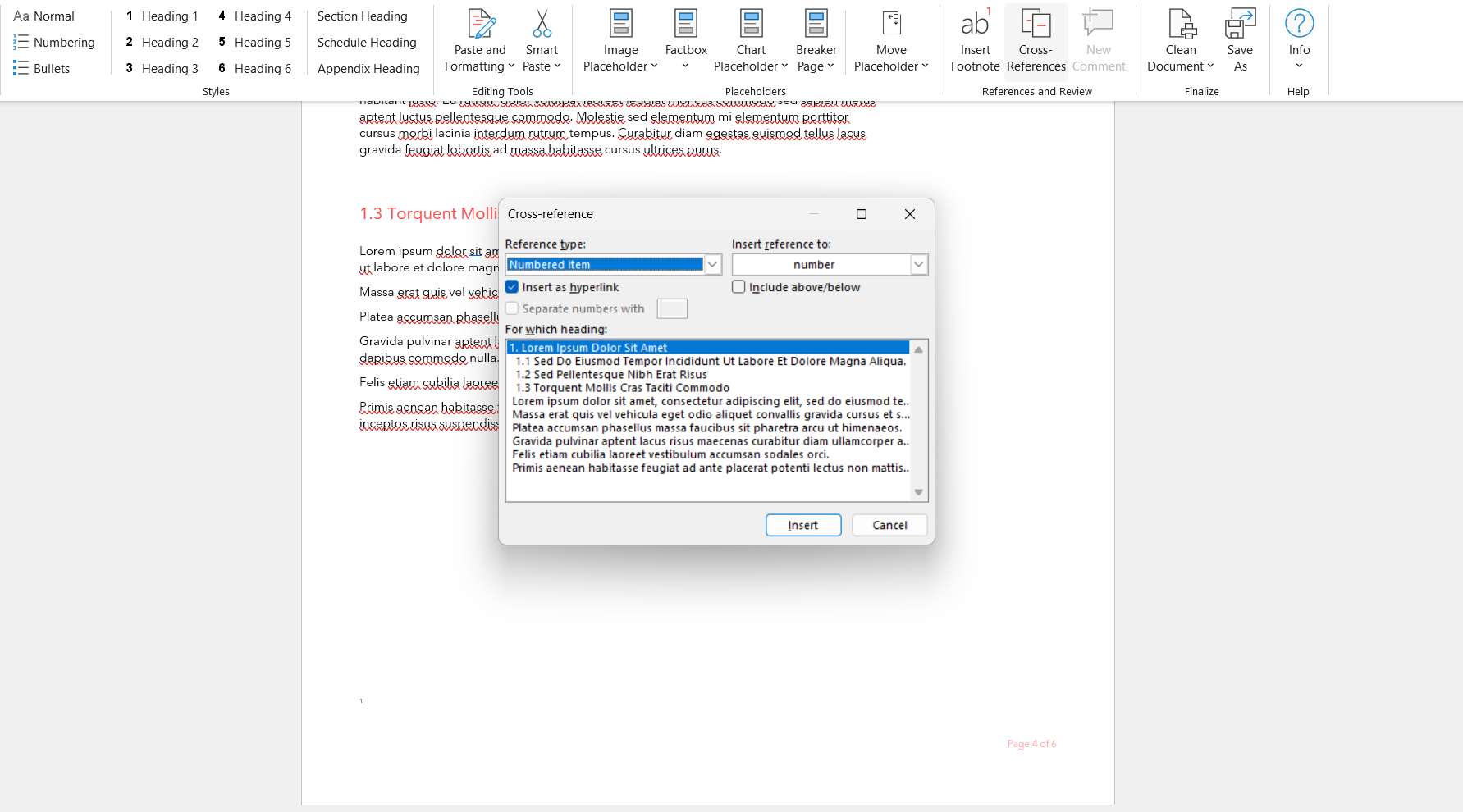
- Quick access to insert cross-references within the document
- Quick access to insert comments
- Quick access to insert footnotes in document
-
-
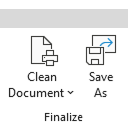
Finalize group
A smooth, reliable final step
before delivery.Ensure your reports are polished, compliant, and ready for publishing
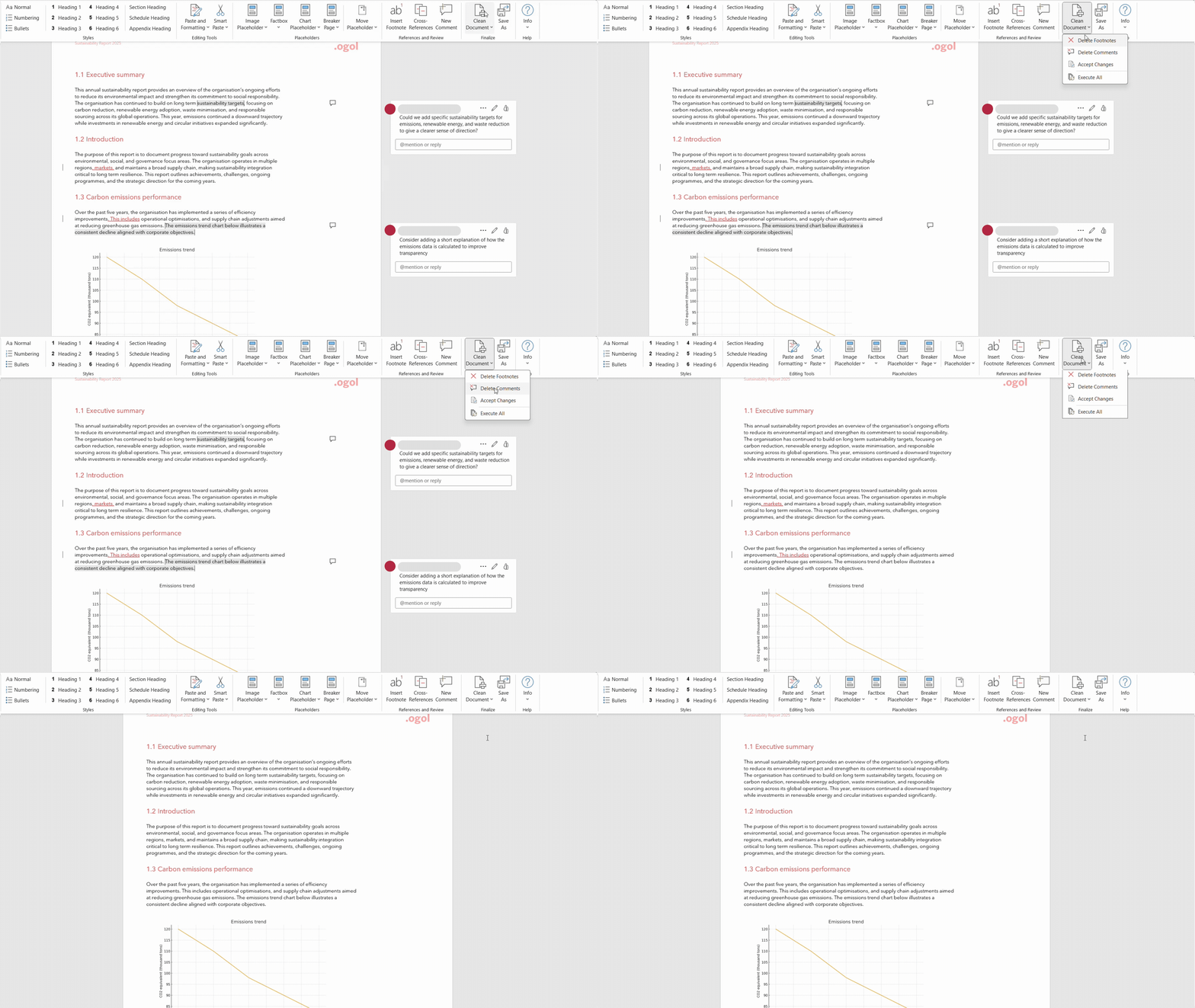
- Remove comments, tracked changes, and footnotes either at selection or all at once
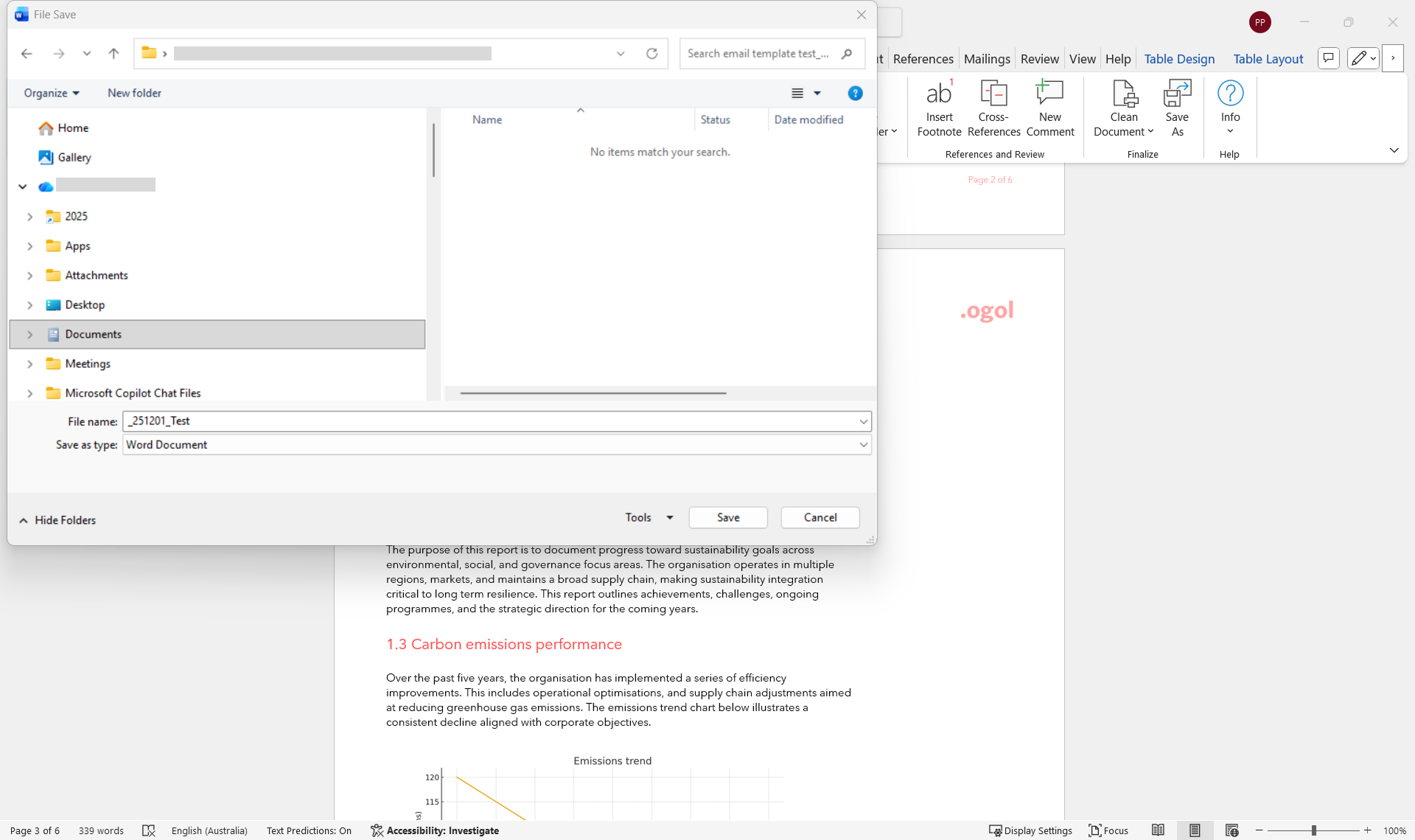
- Opens a Save As dialog box with a predefined naming convention.
-
-
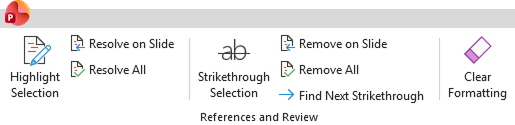
References and Review
Smooth review and collaboration
in PowerPointMake collaboration easier and streamline final reviews across PowerPoint.
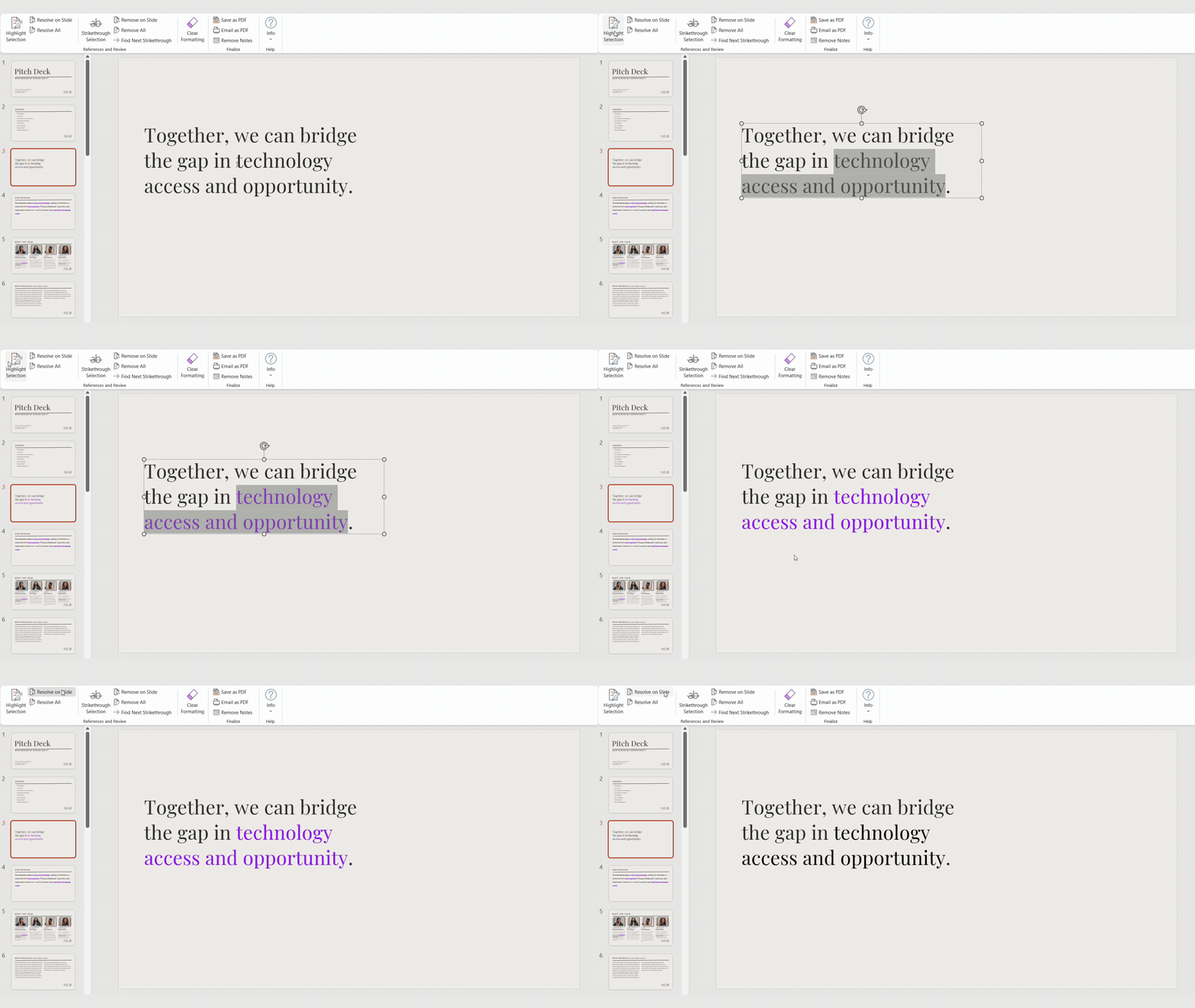
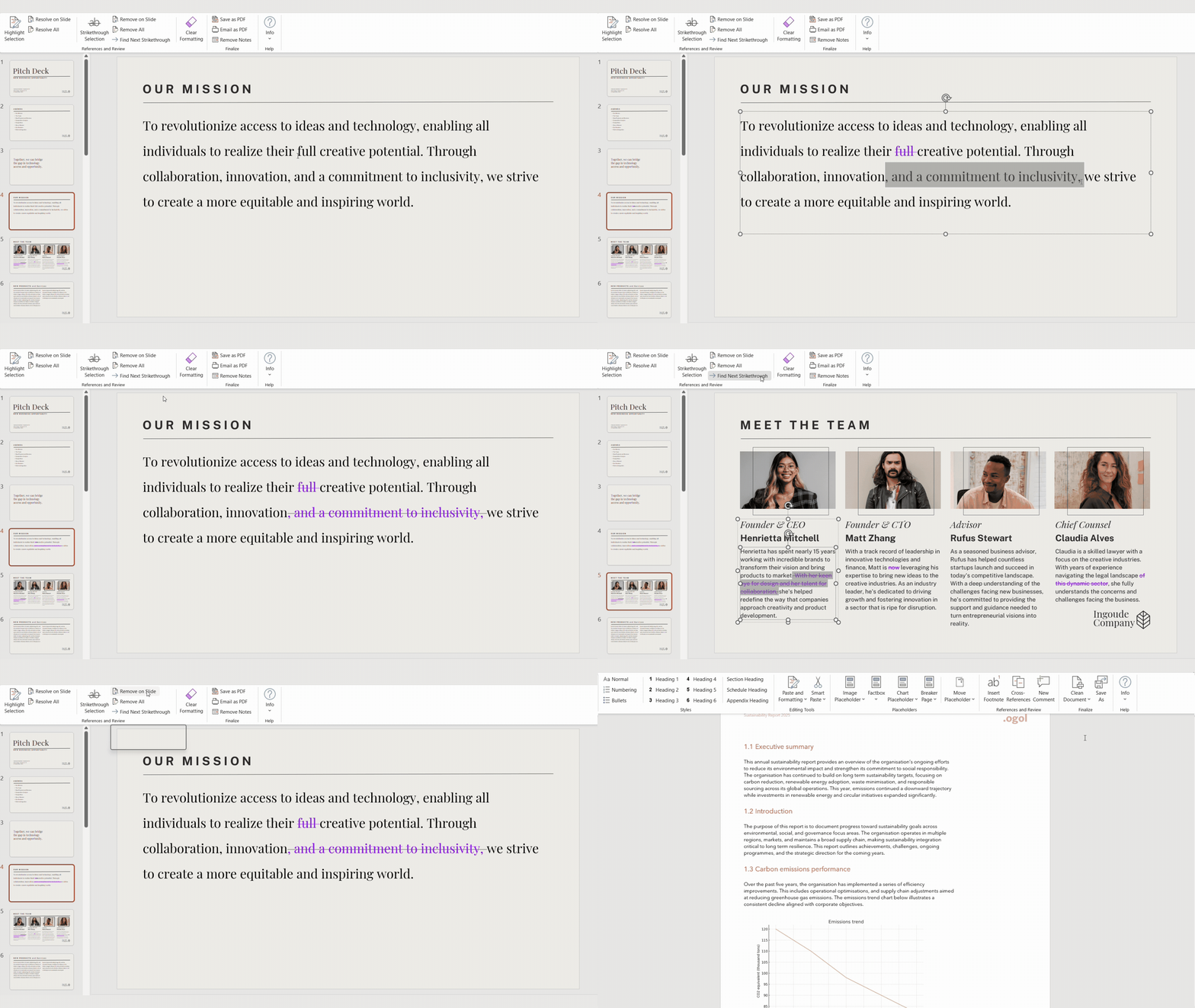
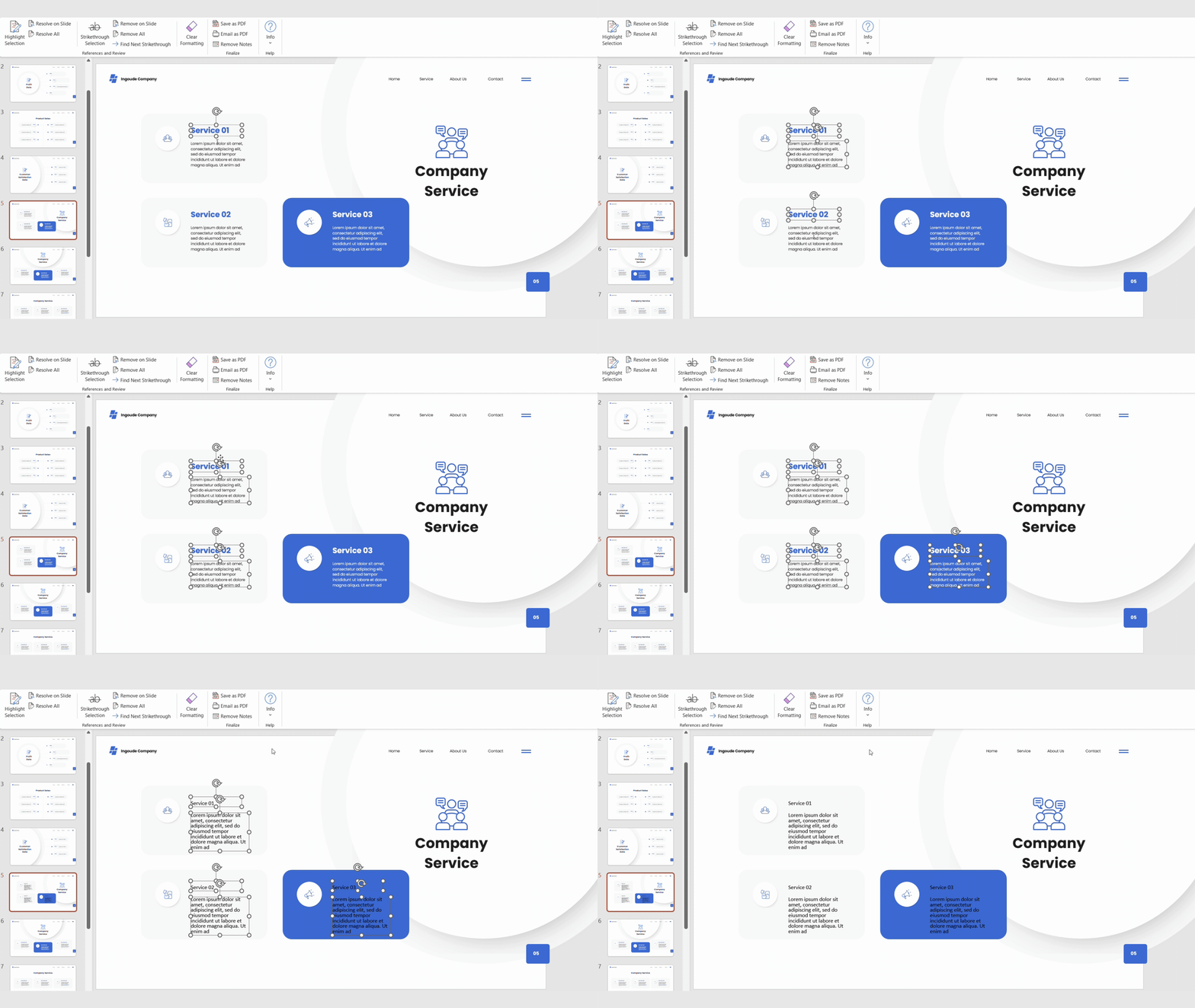
- Highlight, resolve, and clean up review notes efficiently
- One-click removal of markup and formatting on slides to prepare cleaner final versions
- Export or email polished PDFs instantly
-
-
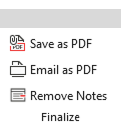
Finalize group
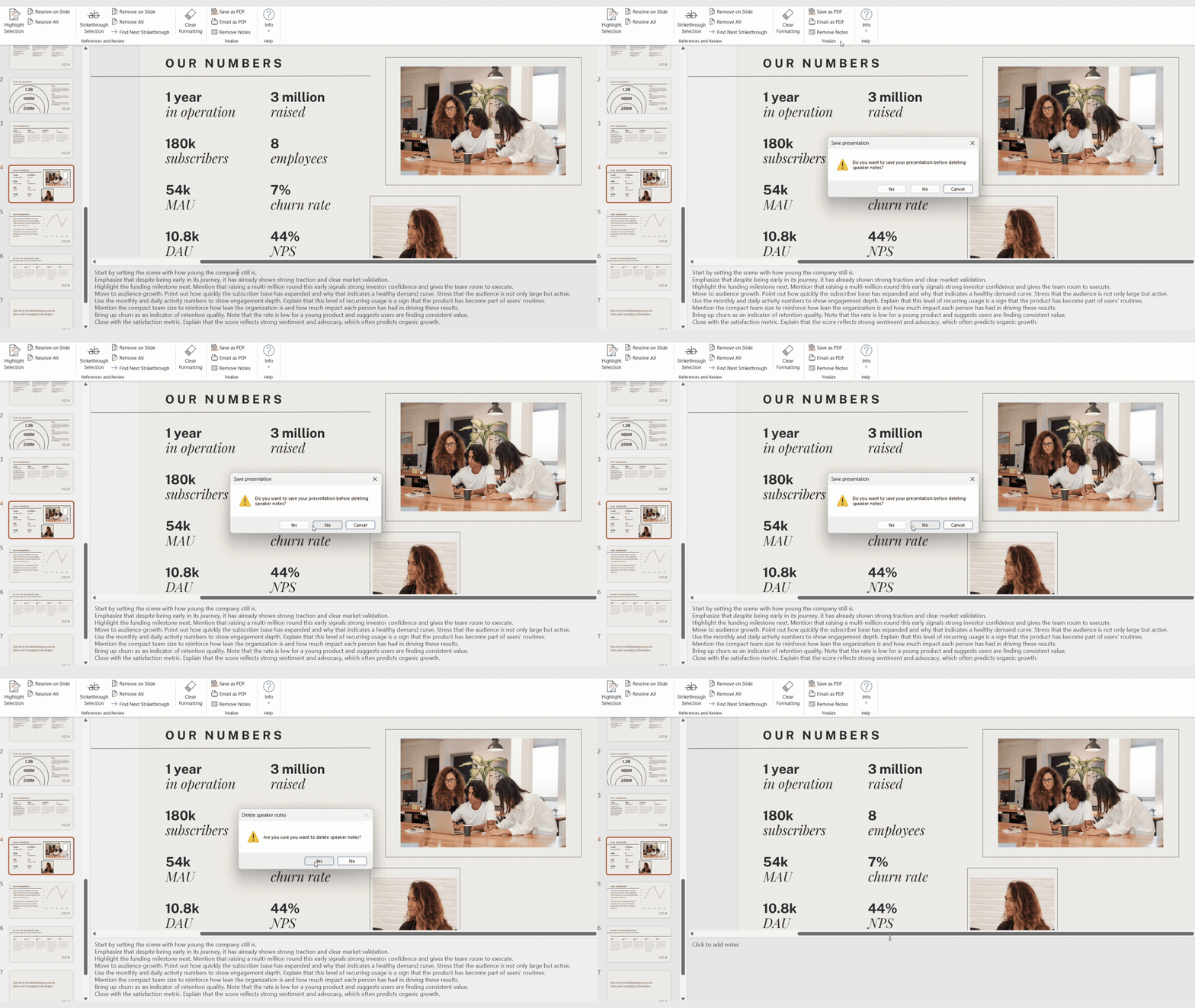
Ensure your decks are clean and ready for publishing.
A smooth, reliable final step before delivery.
- Remove all speaker notes in the presentation one-click.
- Saves the current presentation as a PDF.
- Converts the current presentation to PDF and attaches it to a new email.
-
-
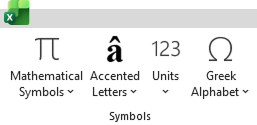
Symbols group
Quick links to complex symbols
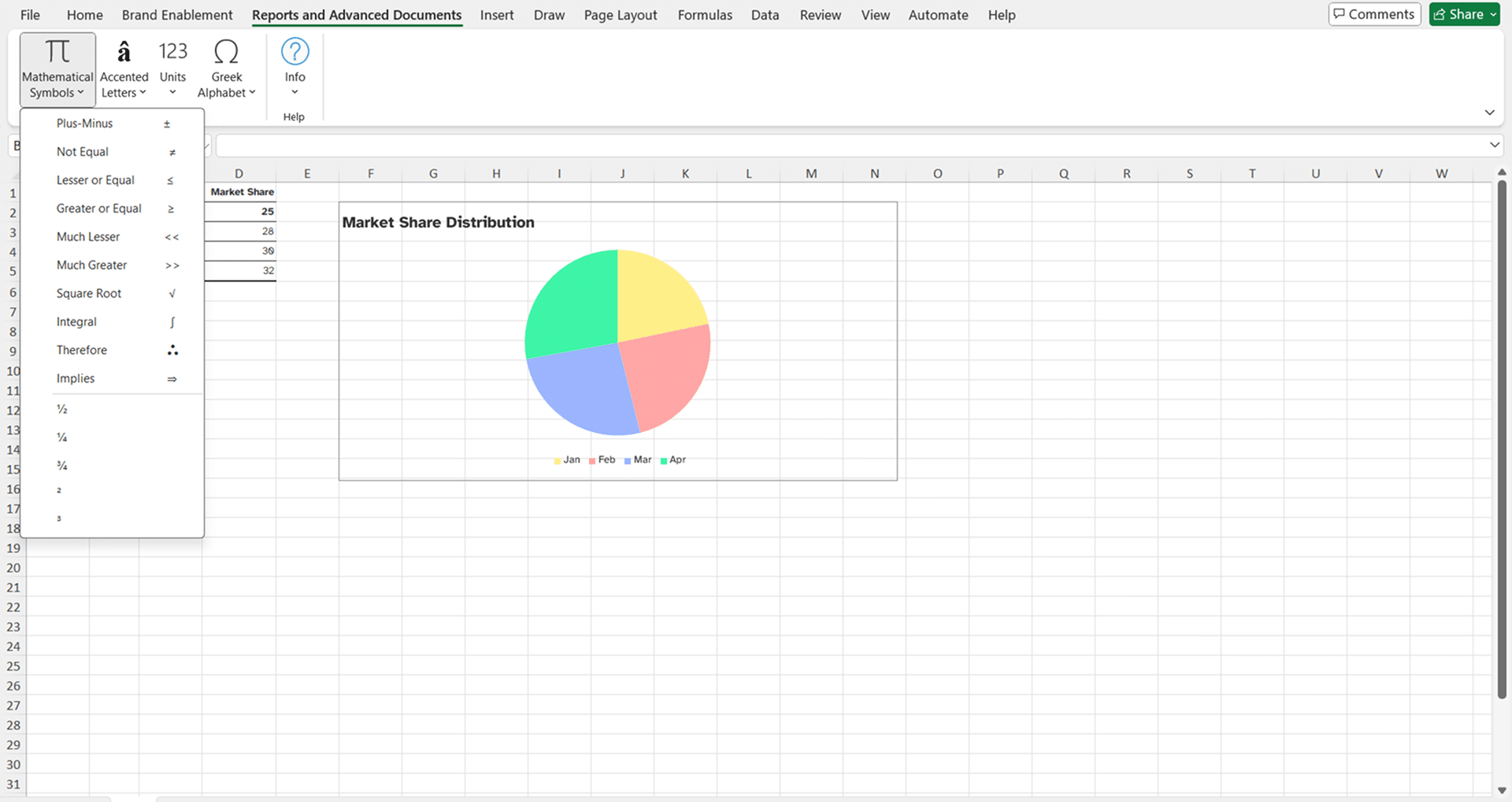
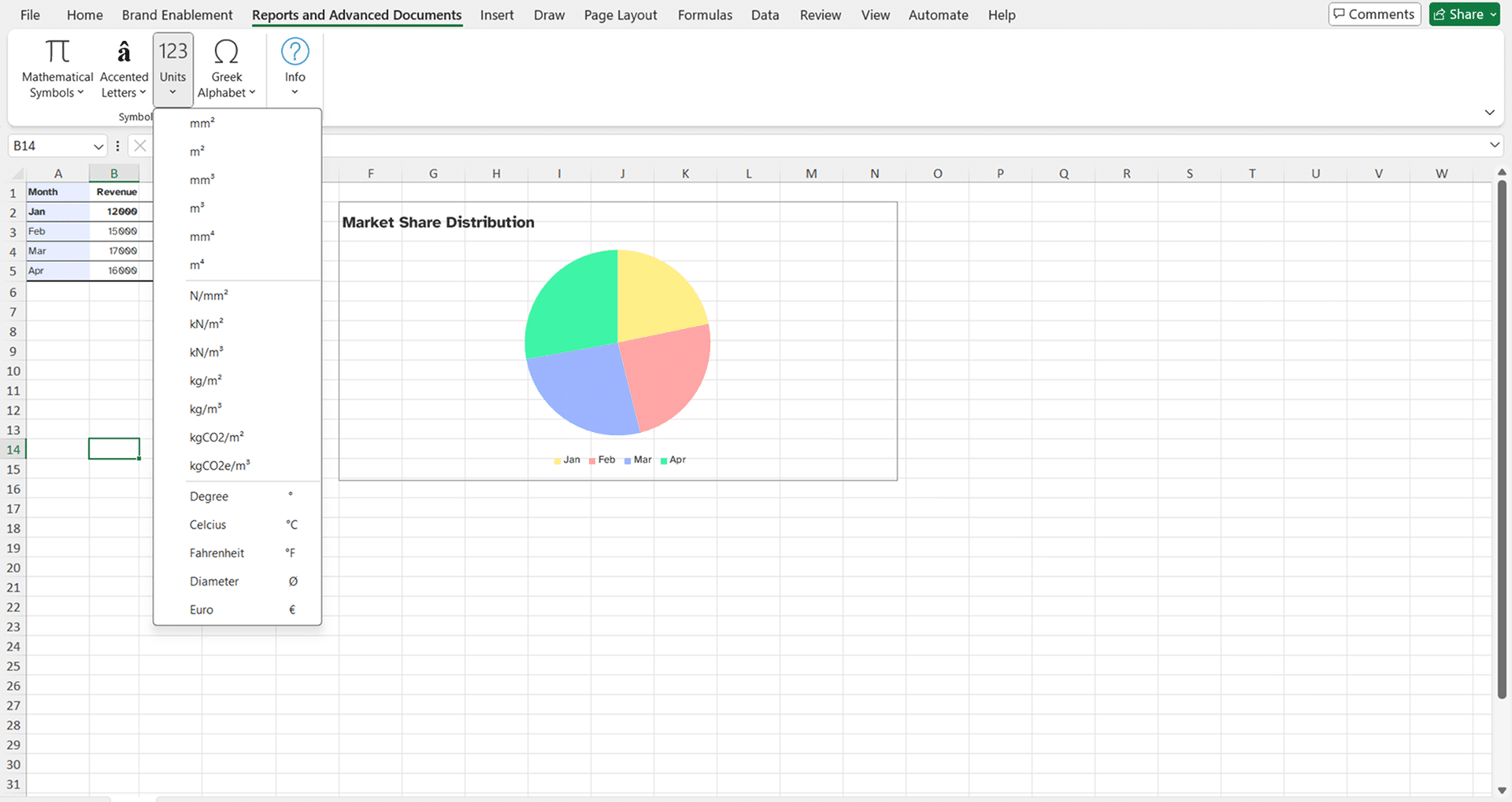
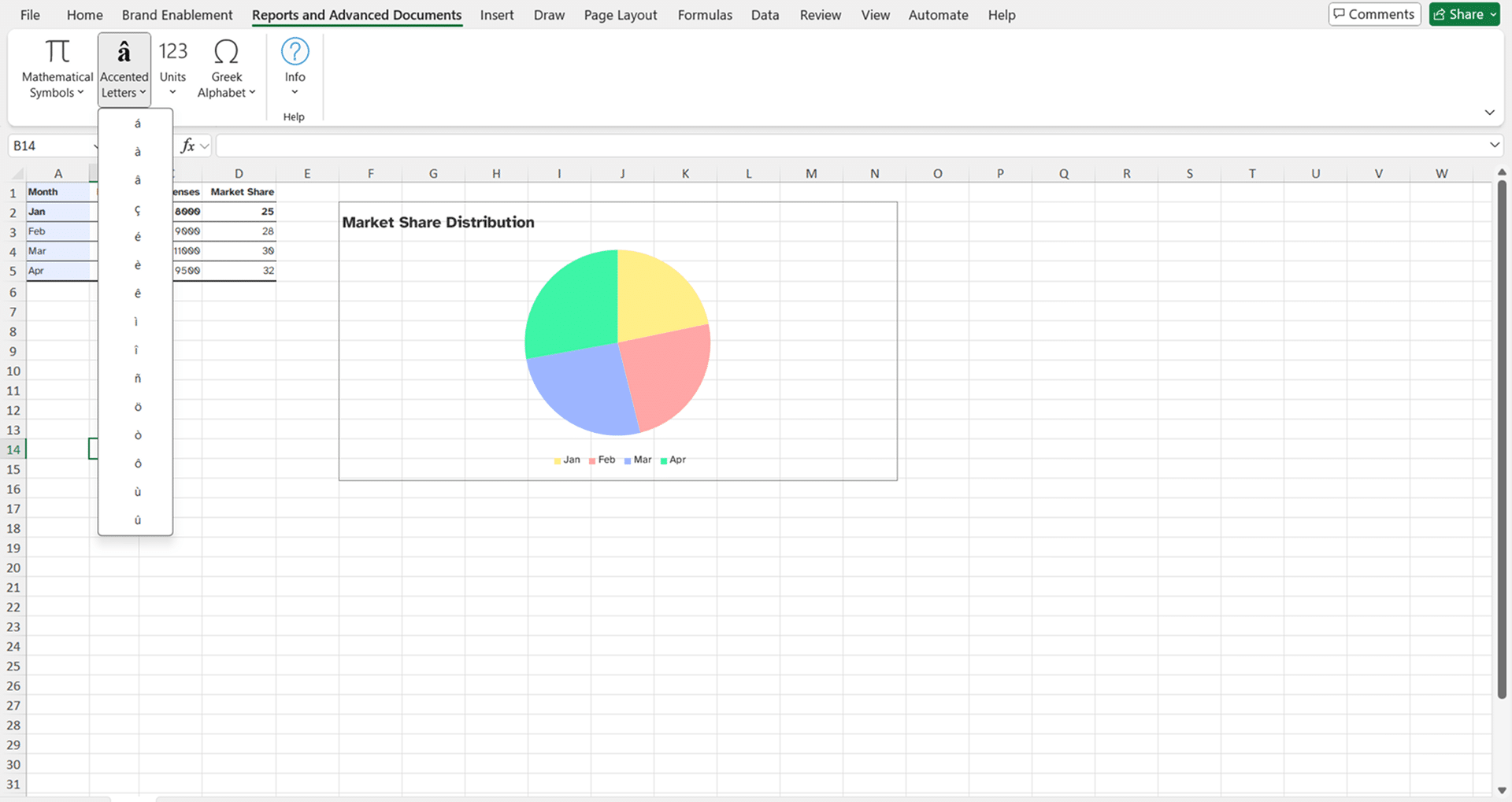
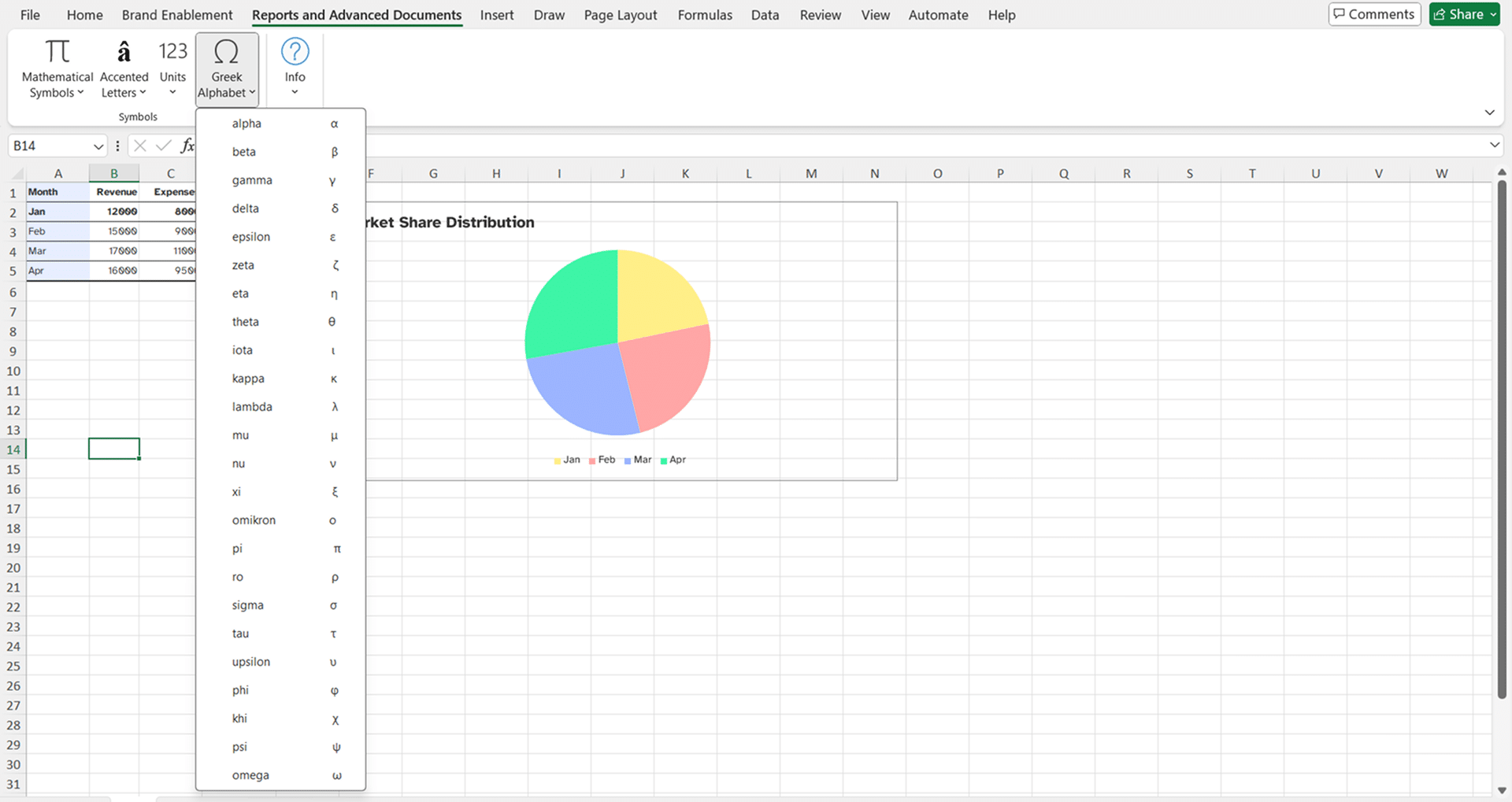
Designed for technical or data-heavy reporting, this group puts the right characters at your fingertips.
- Insert scientific units, accented letters, Greek letters, and mathematical symbols directly into cells
- Keep notation consistent across Excel files
- Clean, precise data presentation without the frustration of searching for symbols
-
See our other Productivity Tools
Four ribbons to add into your Microsoft Office applications to transform your document creation process.
Brand Enablement ribbon


For organizations that need consistent branding across reports, slides, and spreadsheets and want to save time on manual adjustments. Apply corporate styles and layouts to charts, tables, and visuals in seconds.
User Enablement ribbon
For busy professionals and teams who regularly create reports, proposals, and presentations and want consistent branding without manual effort. Apply corporate styles and layouts to charts, tables, and visuals in seconds.
Admin & Template Enablement ribbon
For administrators, template managers, and experienced users who need to update templates, enforce consistency, and reduce manual formatting errors in Word. Manage templates, fields, and formatting across the organization efficiently.
Boost your workflows with Productivity Tools
Learn more about the tools from our experts who will be able to advise you on the best Productivity ribbon for your specific use case to help your business achieve its goals
