
Productivity Tools: Brand Enablement Ribbon
Your brand governance, built directly into your Microsoft Office applications.
Keep your documents and presentations on brand.
The Brand Enablement ribbon is a Omnidocs Productivity Tool that ensures every chart, table, shape, and design element matches your organization’s brand. Configured to your templates and corporate styles, the ribbon helps teams apply the right colors, styles, and layouts instantly across Microsoft Word, PowerPoint, and Excel; so all documents look professional and consistent with company standards.

Consistency at scale
Quick links and specialized functions to help you apply branded designs to charts, tables, and graphics in seconds.

Professional look and feel
Tailored specifically to your organization’s templates and design guidelines, ensuring every document, presentation, and report reflects your brand identity.

Save time
No more manual adjustments to fonts, colors, or formatting, as all elements are configured down to the most minute detail, like corner angles and line weights.
Key capabilities
Ribbon overview
Explore the ribbon’s features in Microsoft Word, PowerPoint, and Excel. Teams can produce branded reports, slides, and spreadsheets without relying on designers. Every heading, chart, table, and cover page reflects the organization’s identity, making professional-quality outputs fast and effortless.

-
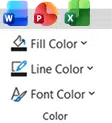
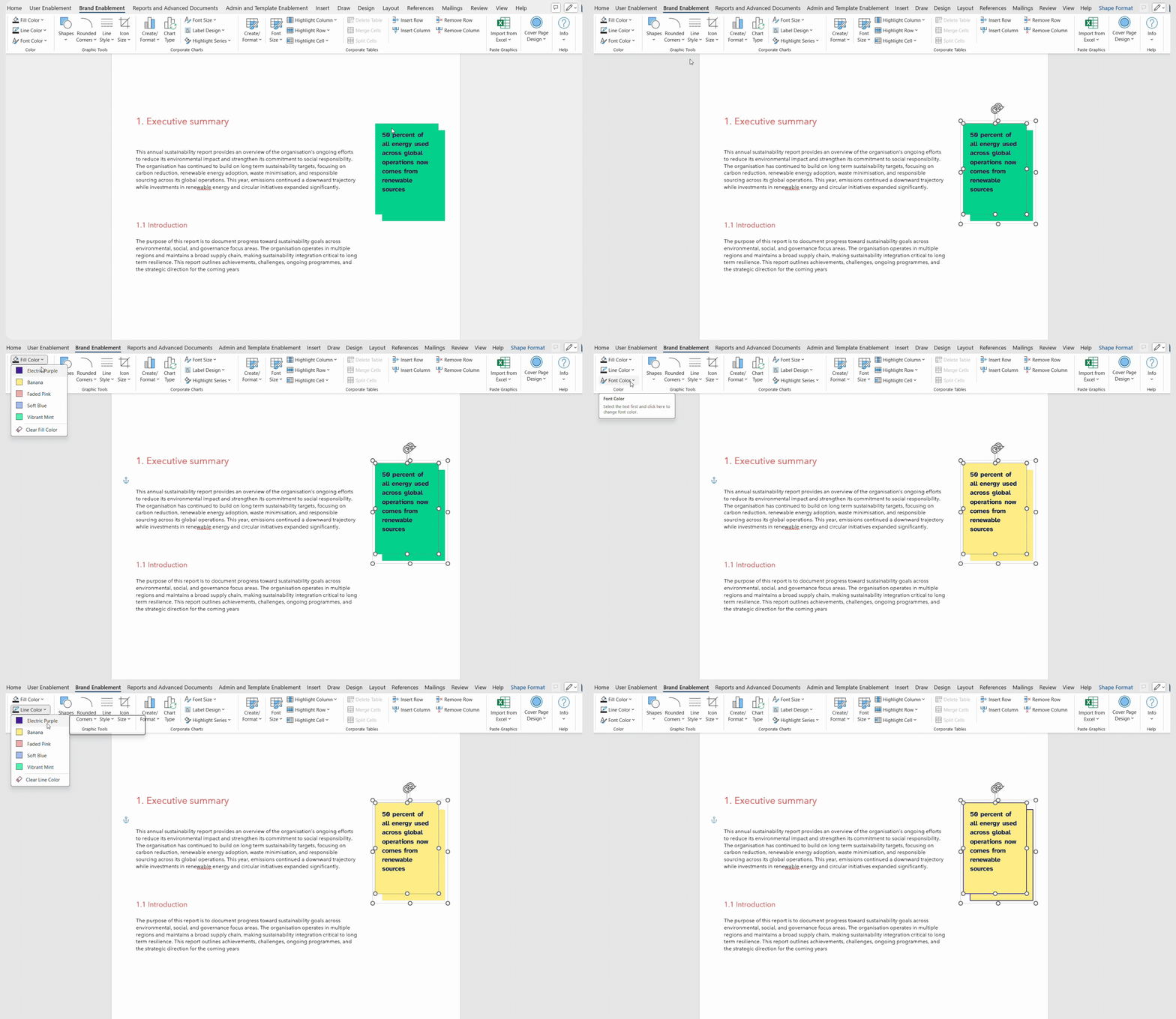
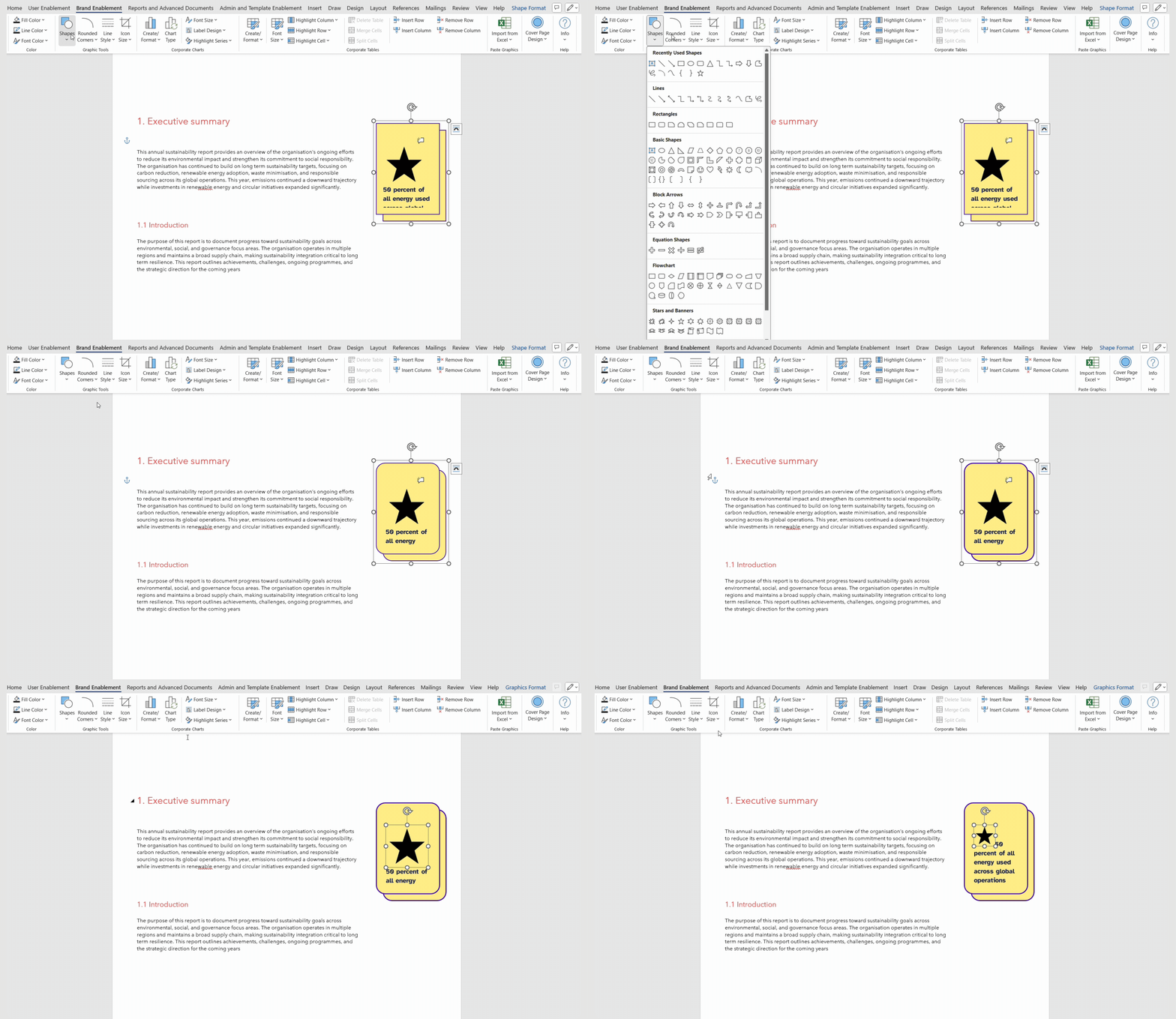
Color group
Apply your brand’s visual identity
to shapes in just a click.No more off-brand shades or mismatched visuals. These tools are configured to your brand colors and guidelines, so that everything aligns with your corporate identity.
- Add approved brand colors to shapes, text, lines, and graphics.
- Clear unwanted colors to bring elements back to a clean baseline.
- Keep branding consistent across Word.
-
-
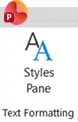
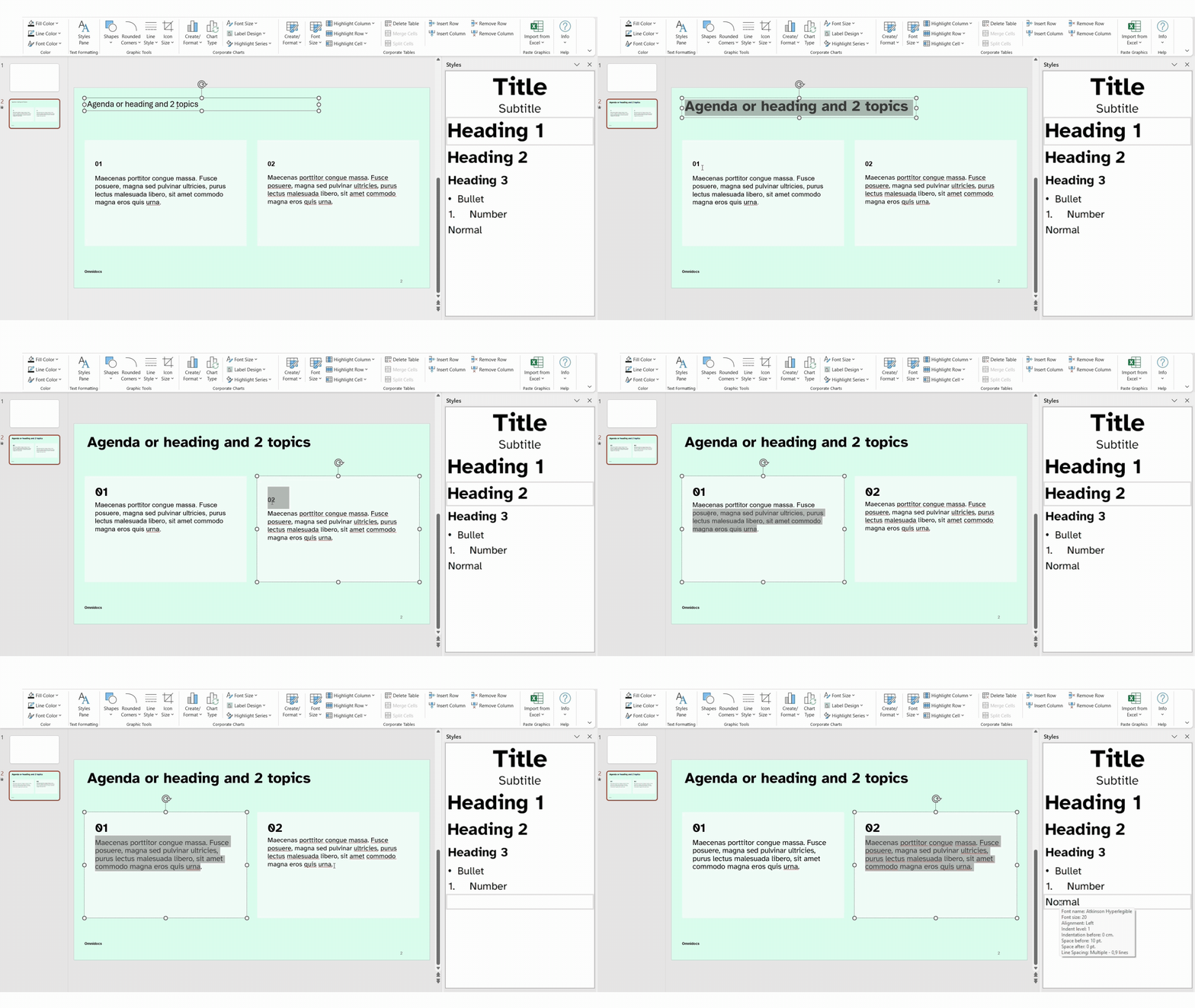
Text formatting group
Quick access to headings, fonts, and styles refined and aligned with your brand’s typography.
Slides decks look polished, readable, and instantly recognizable as yours.
- Format text quickly and cleanly within graphics.
- Apply styling that improves readability and visual coherence.
- Adhere to brand guidelines and make document content accessible with defined heading and section structure.
-
-
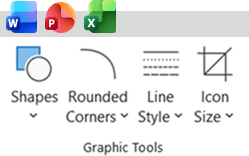
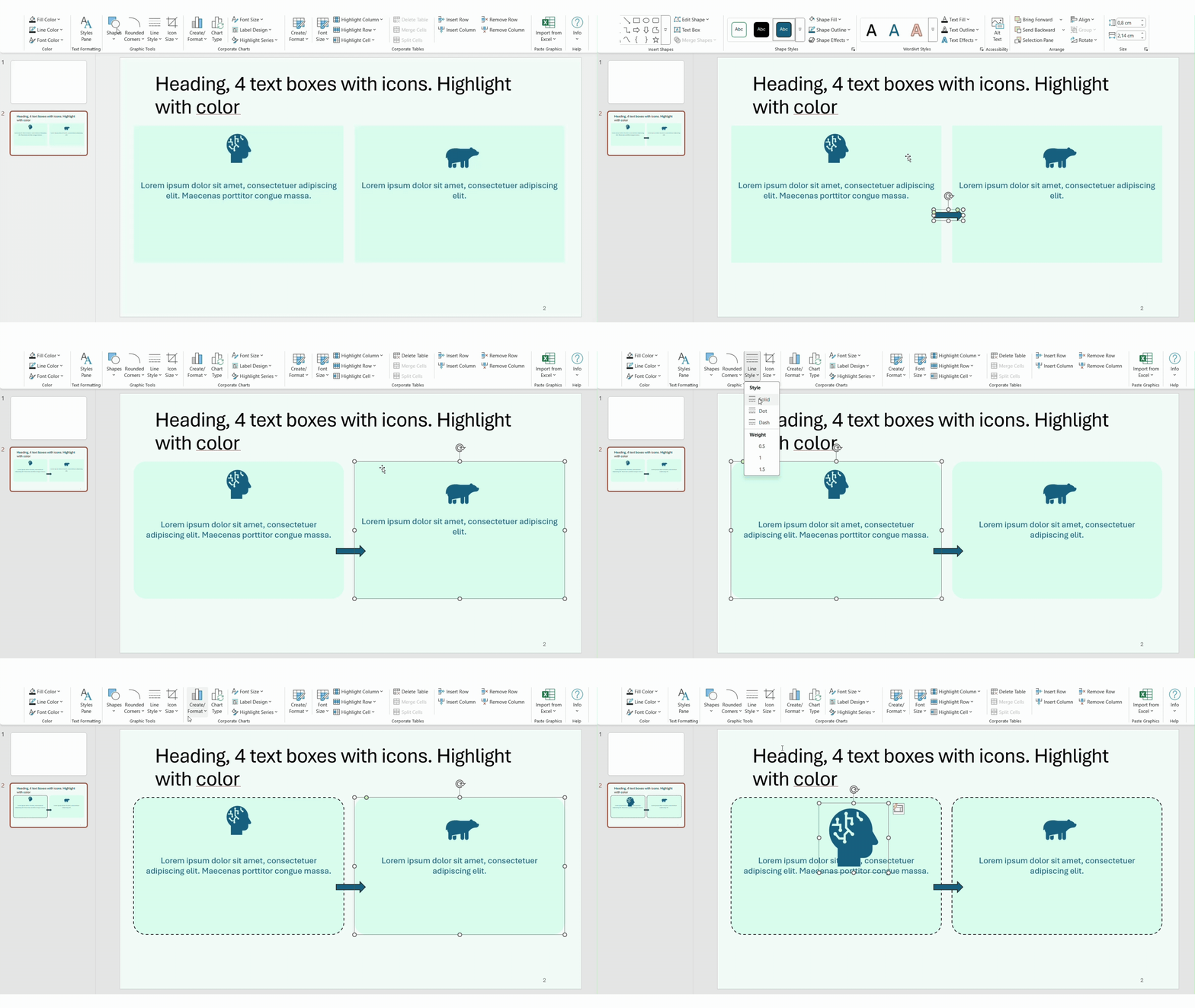
Graphic tools
Simple tools to style shapes and icons
without breaking brand guidelines.Ensure your brand identity is covered and apply your corporate colors across shapes, visuals, and lines to ensure a cohesive brand experience. Adjust icons, shapes, and lines with preset sizing and style options that maintain visual harmony across formats.
- Insert and adjust shapes that match your brand’s look.
- Refine shapes with down to the most defined detail like the degree of rounding of shape corners and consistent line weights, all based on your corporate brand guidelines.
- Resize icons to standardized sizes to maintain clean, balanced layouts.
- Works across Word, Excel, and PowerPoint.
-
-
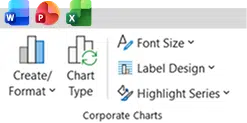
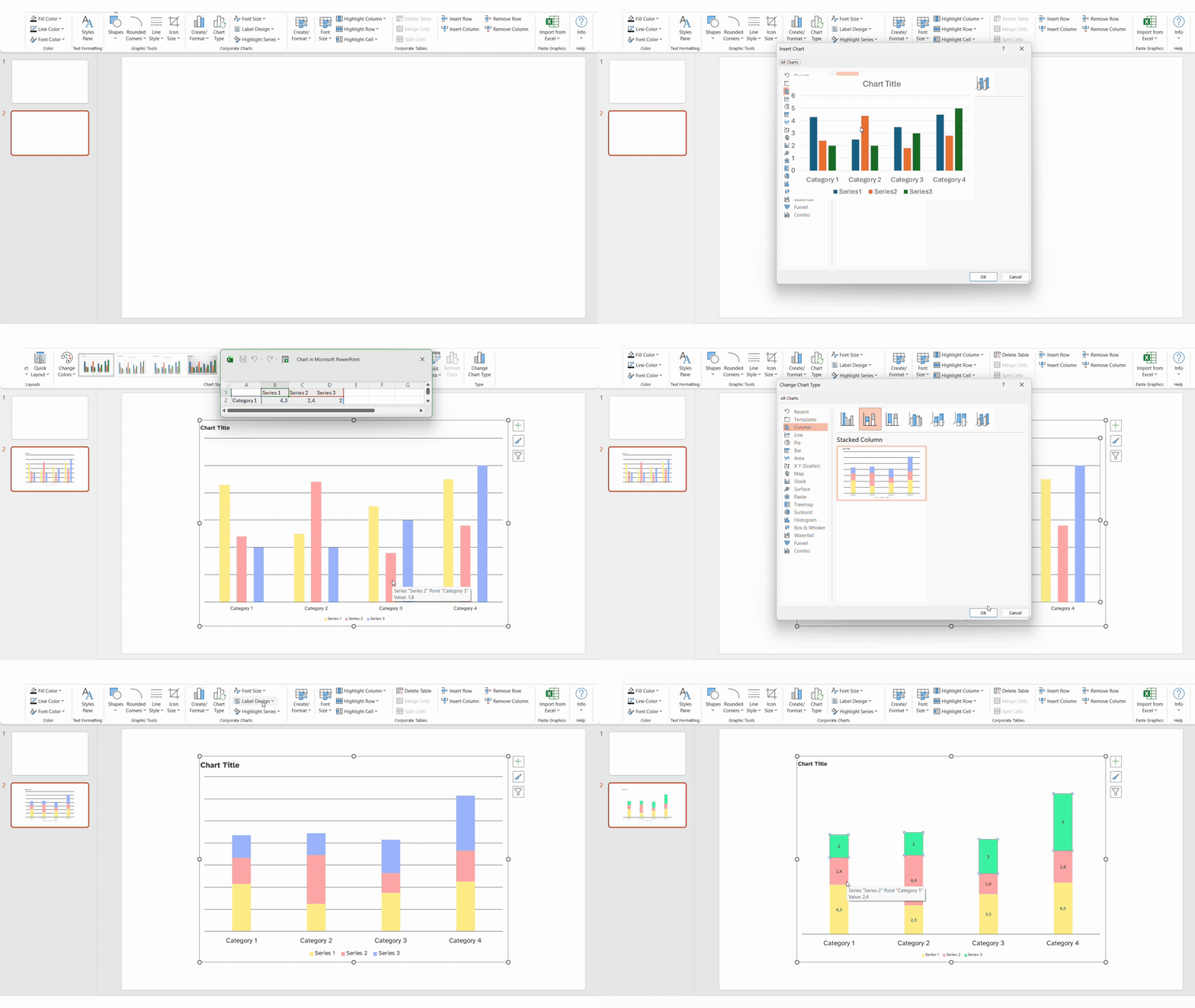
Corporate charts group
Transform charts into
fully branded visuals.Data becomes clear, attractive, and on-brand. Perfect for reports and presentations that require branded data visualization.
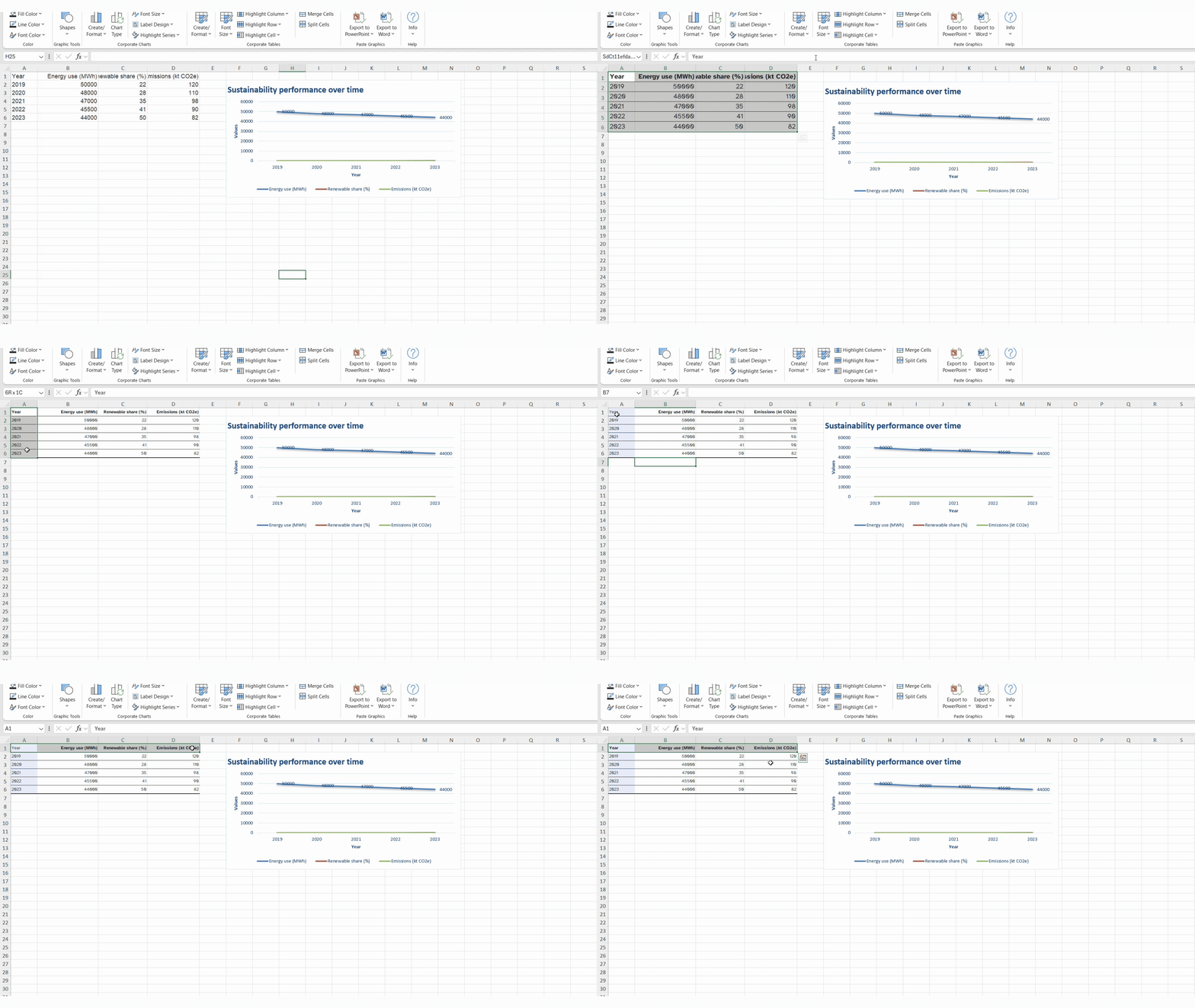
- Create new charts using your brand’s predefined design.
- Reformat existing charts to match brand styles.
- Apply consistent font sizes, label designs, and color highlights.
- Works across Word, Excel, and PowerPoint.
-
-
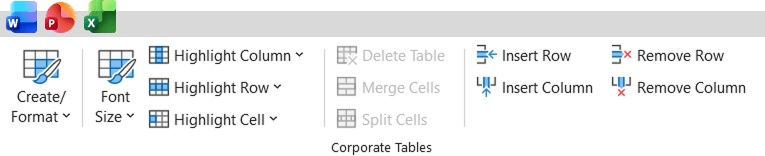
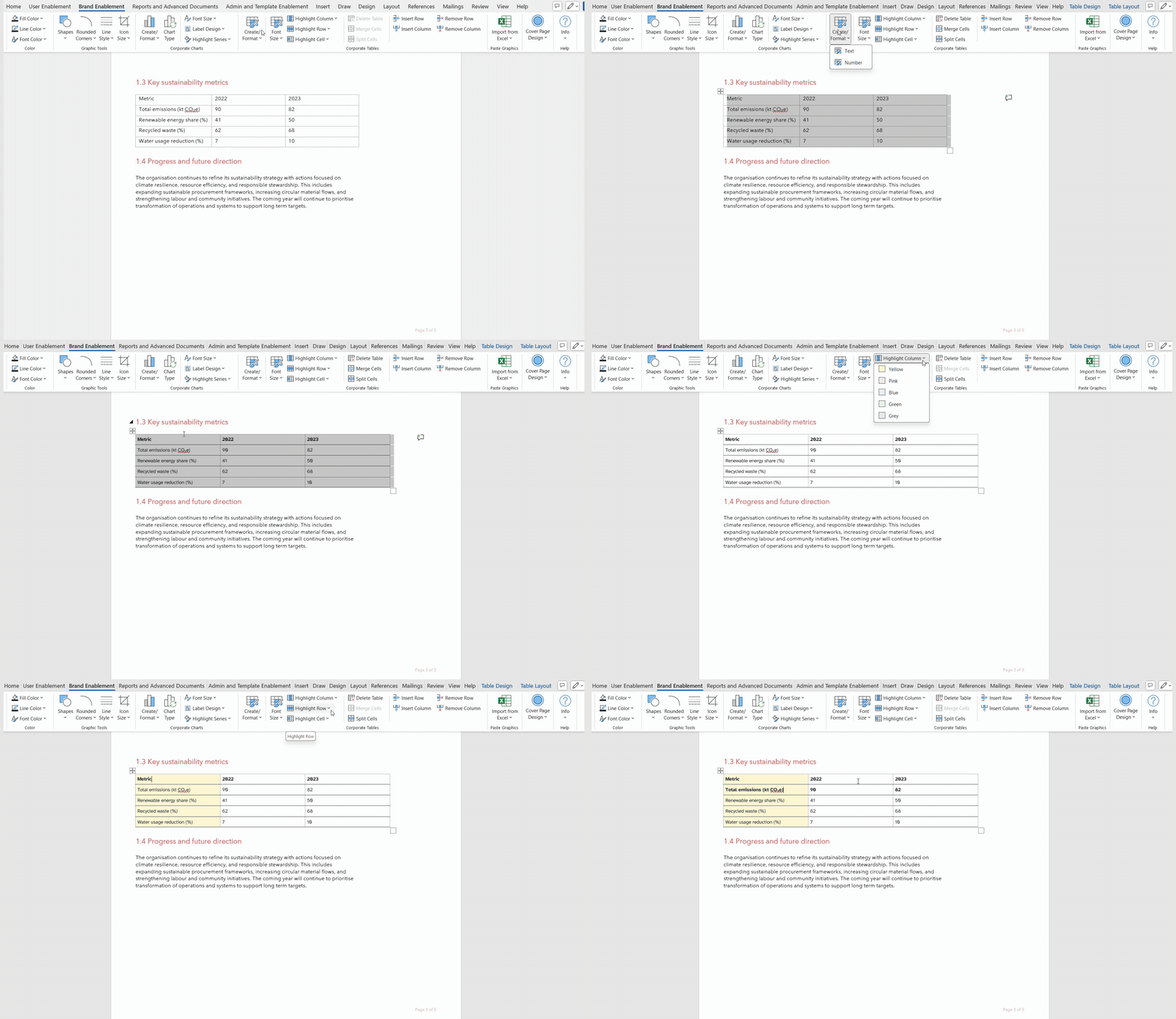
Corporate tables
Make sure all tables follow
a single, consistent design language.One-click functions to have your data visualizations look clean, readable, and fully aligned with your identity while remaining flexible for real-world use.
- Create or restyle tables with your corporate design.
- Highlight rows, columns, or cells to guide readers.
- Adjust font sizing within tables for clarity.
- Merge or split cells and adjust table structure with ease.
-
-
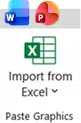
Paste graphics group - Word and PowerPoint
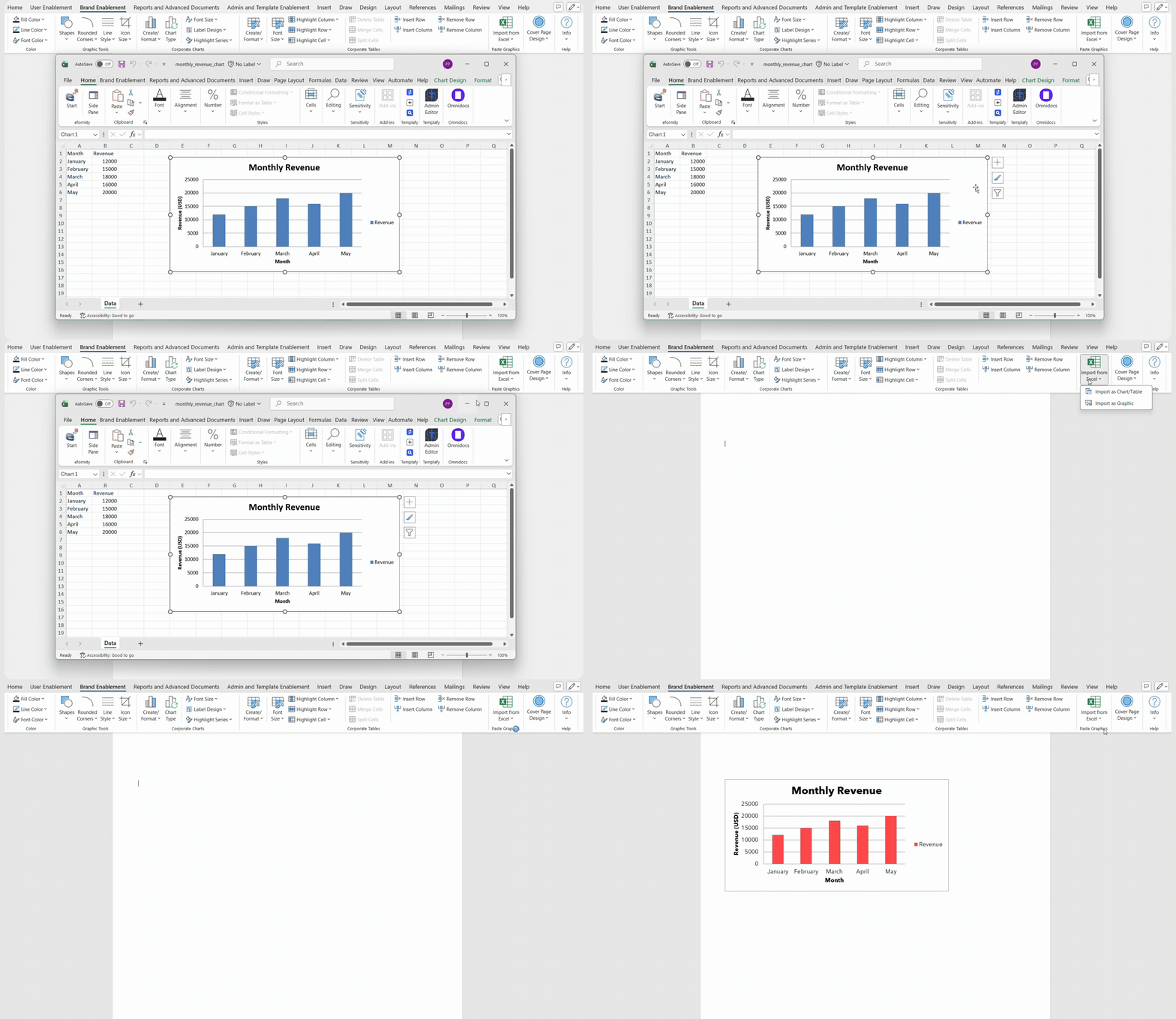
Apply charts and tables
from Excel to Word while keeping formatting intact.No more reformatting when moving content between applications. Ensure visuals stay sharp, stable, and on-brand.
- Quickly and easily import content from Excel into Word or PowerPoint as objects or images.
- Retain formatting when pasting charts and tables between applications.
-
-
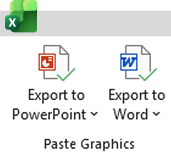
Paste graphics group Excel
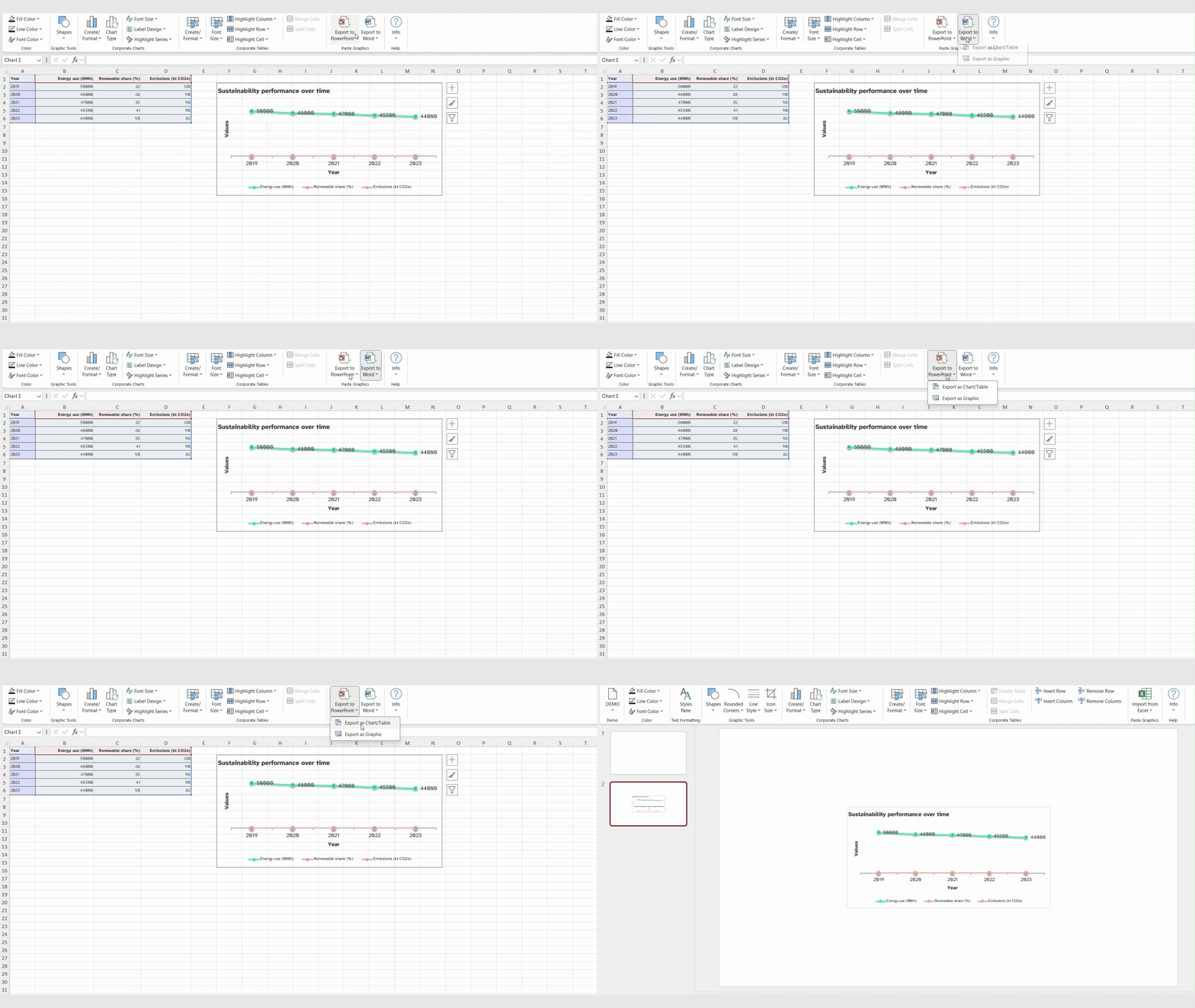
Export charts and tables
from Excel into Word or PowerPointApply branded charts and tables from Excel into other apps seamlessly.
- Quickly and easily exporting content from Excel into Word or PowerPoint as objects or images.
- Retain formatting when pasting charts and tables between applications.
-
-
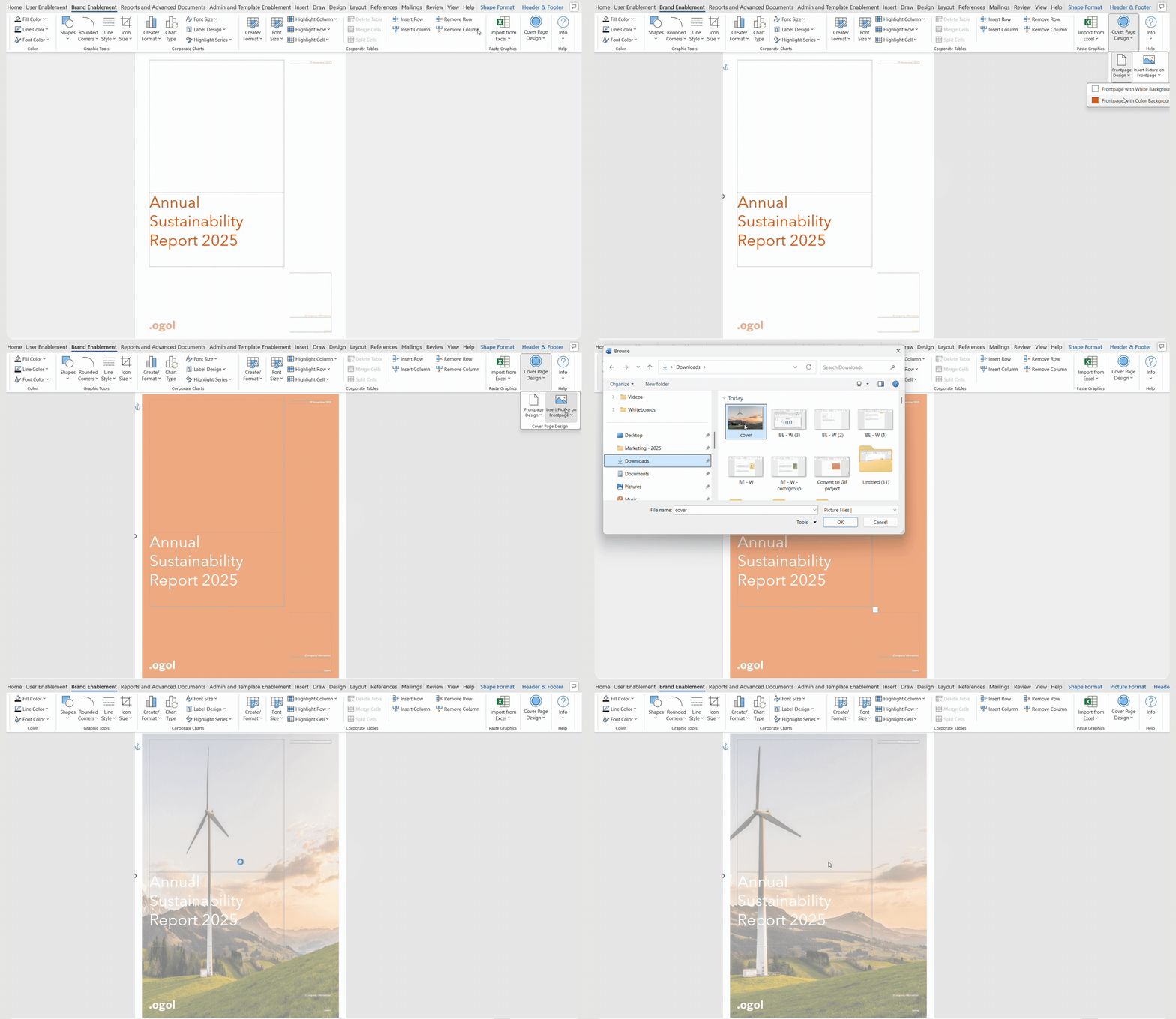
Cover page group
Help users build branded cover pages
without relying on design teams.Consistent, professional-looking front pages that is brand-approved and fully designed, allowing more focus on the content and less of back and forth with design teams.
- Apply approved branded themes to cover pages.
- Tailor cover pages to content.
- Insert and crop images into predefined cover layouts.
-
See our other Productivity Tools
Four ribbons to add into your Microsoft Office applications to transform your document creation process.
User Enablement ribbon


For busy professionals and teams who regularly create reports, proposals, and presentations and want consistent branding without manual effort. Apply corporate styles and layouts to charts, tables, and visuals in seconds.
Reports and Advanced Documents ribbon

For teams producing detailed reports or advanced documents that require standardized layouts, compliance, and collaboration. Handle report creation, research papers, and detailed documentation with confidence.
Admin & Template Enablement ribbon
For administrators, template managers, and experienced users who need to update templates, enforce consistency, and reduce manual formatting errors in Word. Manage templates, fields, and formatting across the organization efficiently.
Boost your workflows with Productivity Tools
Learn more about the tools from our experts who will be able to advise you on the best Productivity ribbon for your specific use case to help your business achieve its goals
